
Photojam · Cases
AI product photography: scenes and backgrounds
Product photography examples for cosmetics, food packaging and electronics: original inputs, styled scenes, reusable descriptions and packaging checks.
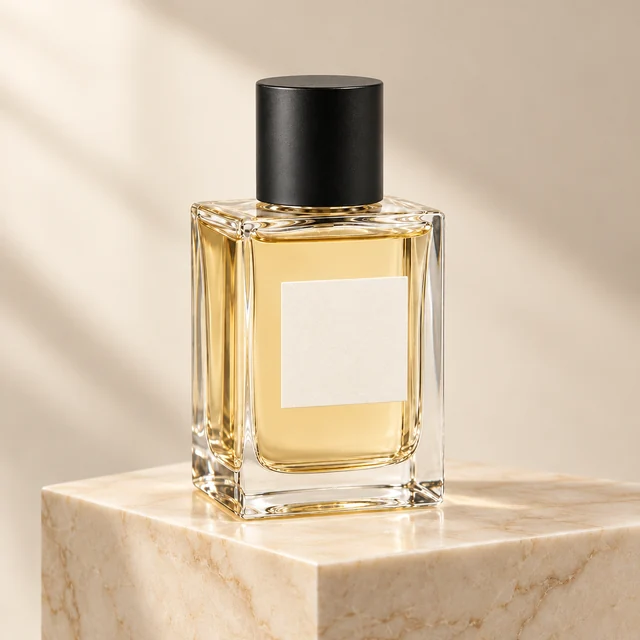
Perfume photography on a marble plinth
A clear bottle on a plain background becomes a product scene with a marble plinth and soft side lighting. Check the glass silhouette, cap and single-bottle composition.
Explore this case →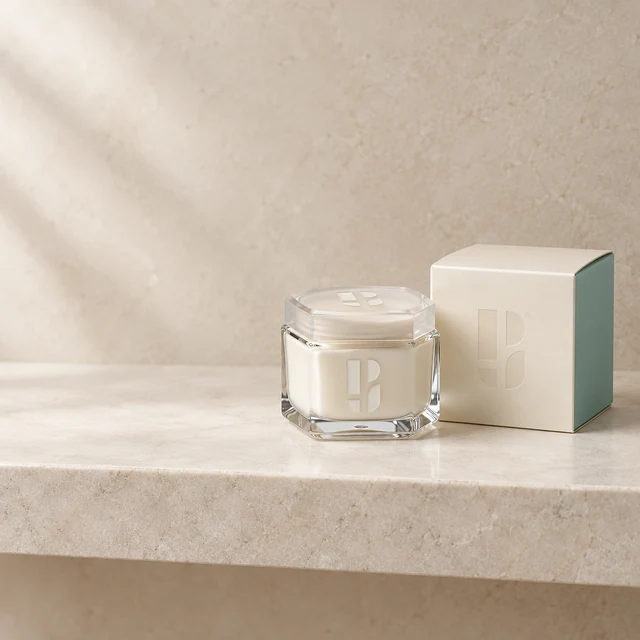
Skincare jar in a bathroom setting
A branded cream jar and carton become a light stone-shelf scene. Check both packages, the lid and the Photojam symbols on glass and cardboard.
Explore this case →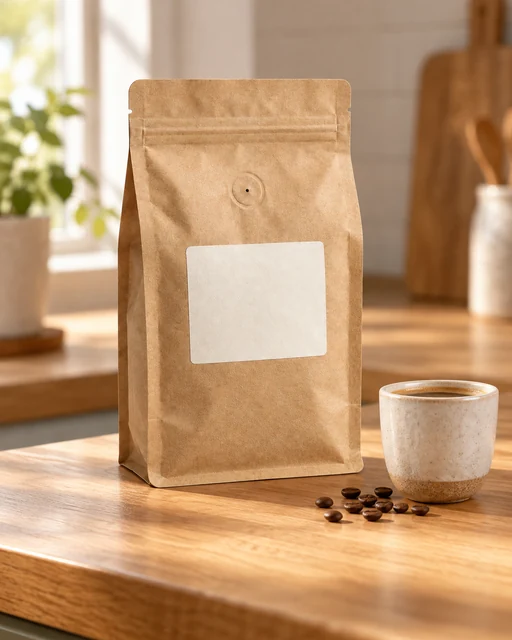
Coffee bag on a kitchen counter
Place a kraft coffee pouch on a kitchen counter in morning light. A cup and a few beans add context while the pouch shape, valve and blank label remain the important details.
Explore this case →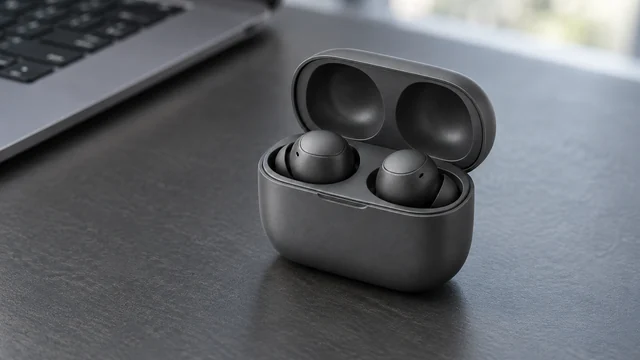
Earbuds on a workspace desk
Graphite earbuds in an open case become part of a workspace scene. The wide composition adds context while retaining two earbuds, the lid hinge and charging cavities.
Explore this case →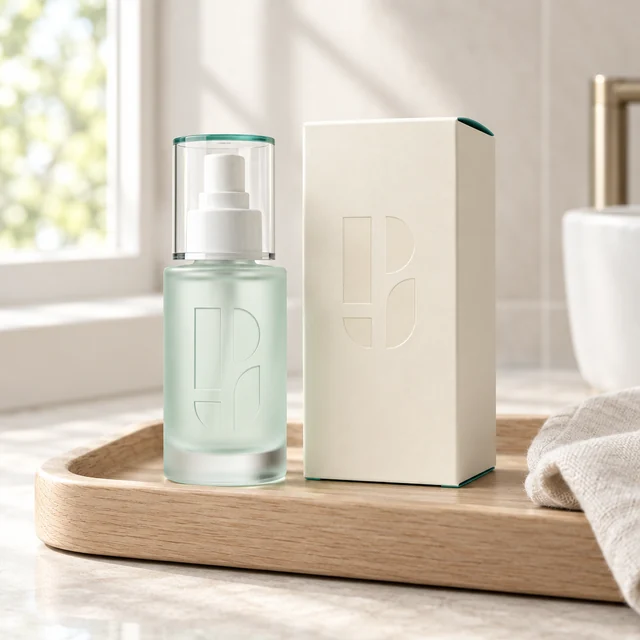
Branded serum on a vanity tray
A frosted dispenser bottle and Photojam carton in a light setting: retain the symbols and packaging, add pale wood and morning light.
Explore this case →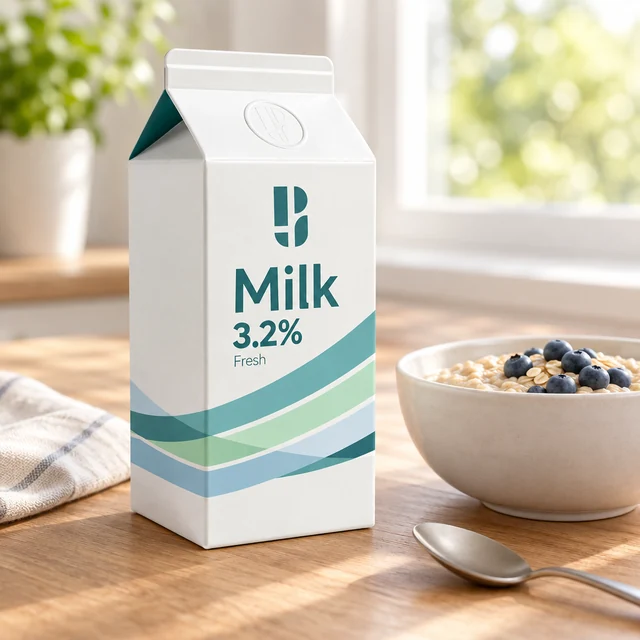
Milk packaging in a breakfast scene
A Photojam milk carton beside oatmeal and a spoon: a morning storefront image with checks for shape, symbol and original packaging text.
Explore this case →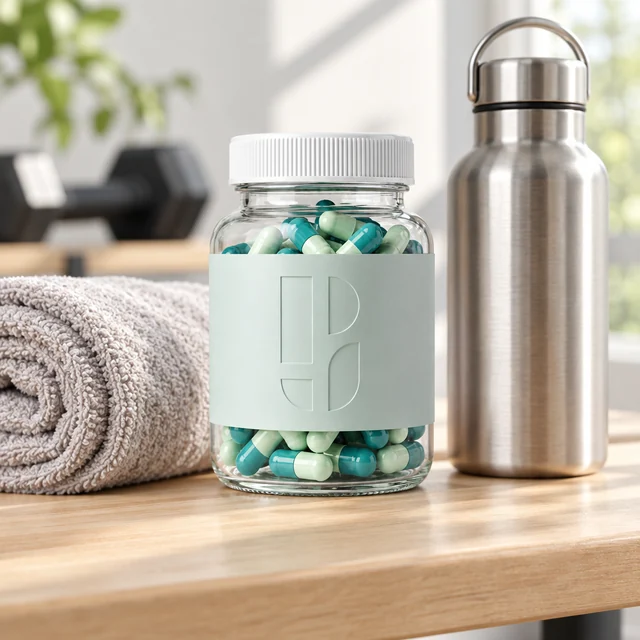
Clear supplement jar in a fitness setting
A clear Photojam capsule jar with a towel and water bottle. A product scene focused on glass, contents and the packaging symbol.
Explore this case →What a product scene needs
Upload a clear photo with the complete item visible. Include its carton in the same image when necessary: the result should retain both packages, lids and brand elements. A blurred input or cropped object makes comparison harder.
Describe the surface, setting, light direction and space around the item. A breakfast table can contextualise coffee or milk, a pale stone shelf suits cosmetics, and a workspace supports electronics. The setting should explain the use while keeping the product dominant.
Where to use styled product photos
Product scenes can support a product page, store collection, ad or additional listing image. The examples cover transparent glass, frosted bottles, cartons and dark electronics, each with different details to inspect.
Check for extra objects, altered symbols and invented text. Compare the lid, silhouette, contents and component count. For a clean catalogue image, explore the separate backgrounds-and-shadows category.