
Photojam · AI photo tools
AI photos for products and apparel
Create product scenes, try garments on a model and edit existing photos. Explore demonstrations and repeat the workflow with your own image.
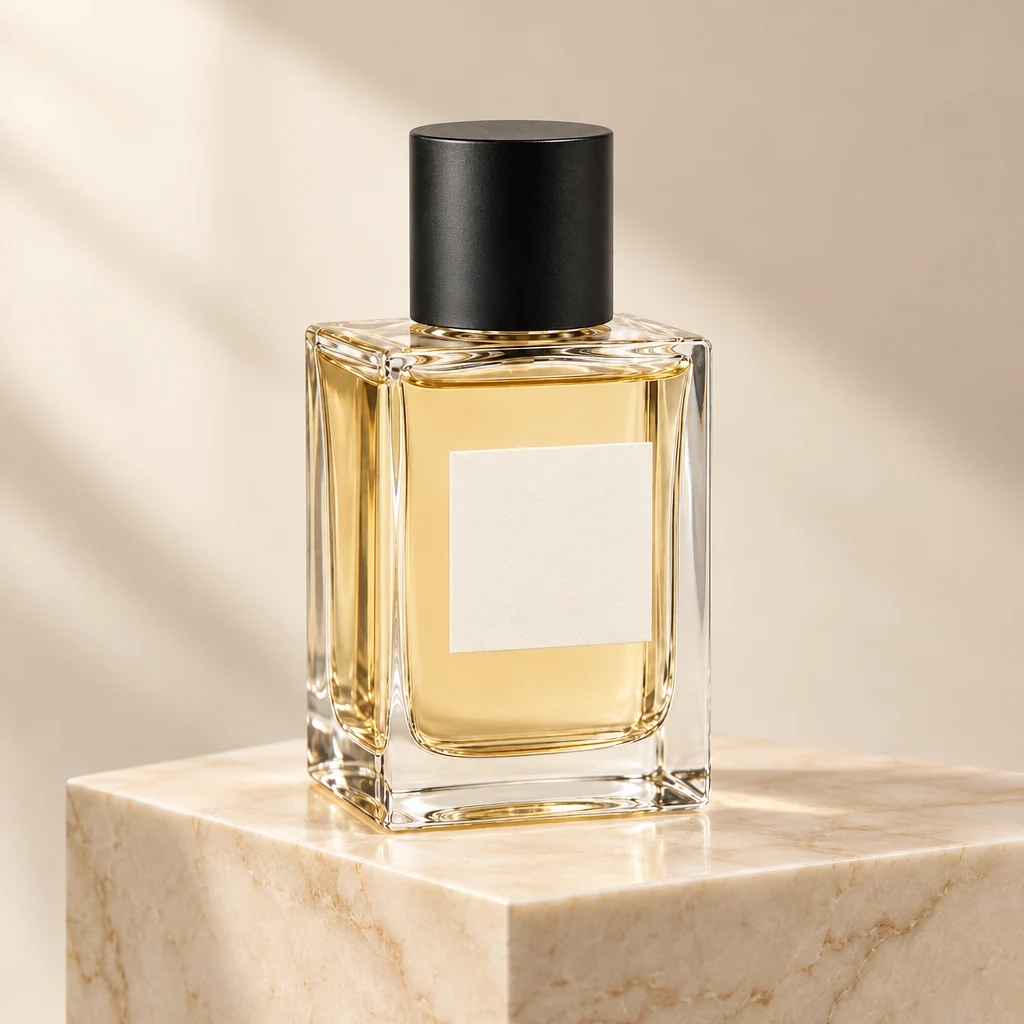
From your image to a new scene
Each case shows the input, the result and a practical description you can reuse. Apparel examples include both the garment and the model image.
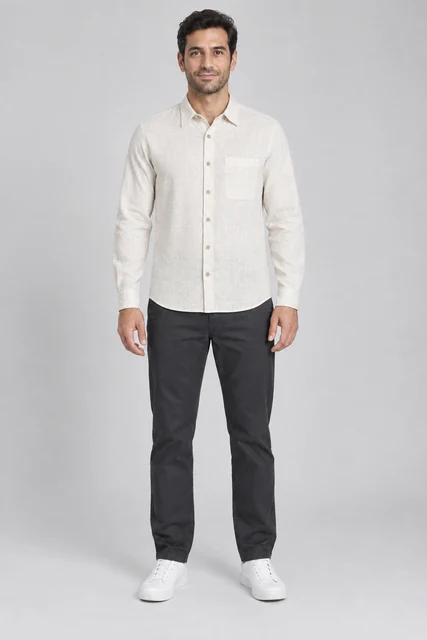
Men’s linen shirt on an AI model
Try an off-white linen shirt on an adult male model: compare the collar, chest pocket, buttons and fabric texture.
Explore this case →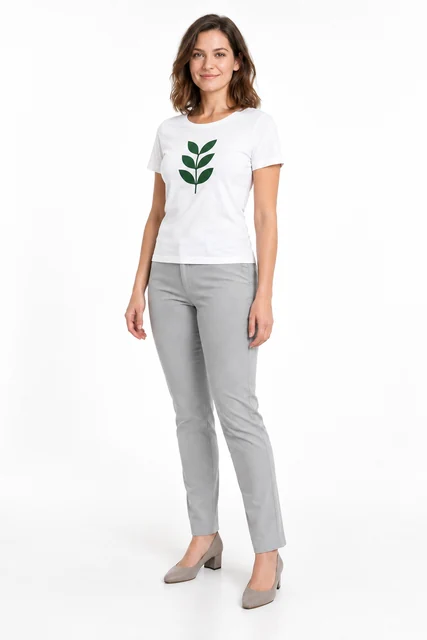
Printed T-shirt on an AI model
A white T-shirt with a green leaf print on a model. Inspect the graphic separately from the garment shape and fabric folds.
Explore this case →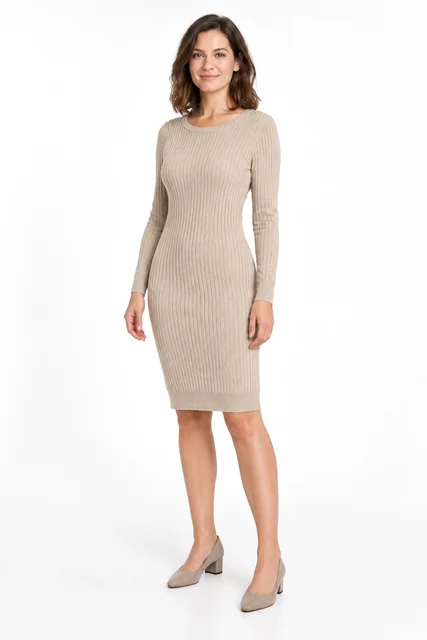
Knitted dress on a model
Try a beige knitted dress from a flat lay on an adult AI model. This task needs two images: the garment and the person. Compare ribbing, neckline, sleeves and facial appearance.
Explore this case →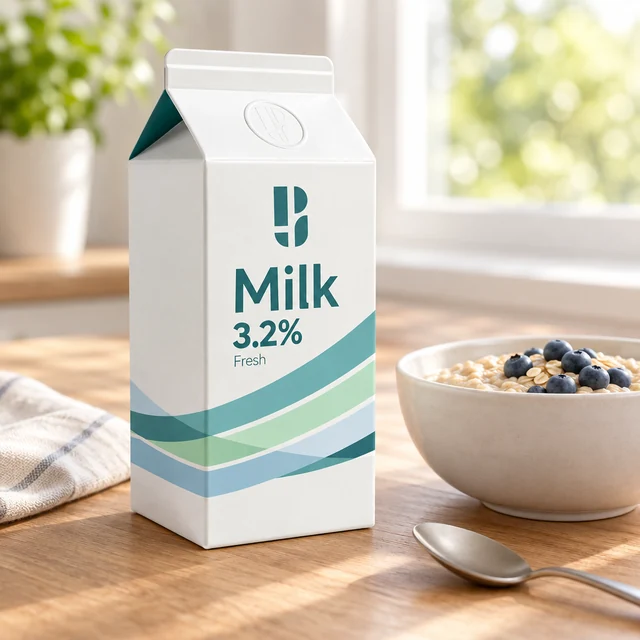
Milk packaging in a breakfast scene
A Photojam milk carton beside oatmeal and a spoon: a morning storefront image with checks for shape, symbol and original packaging text.
Explore this case →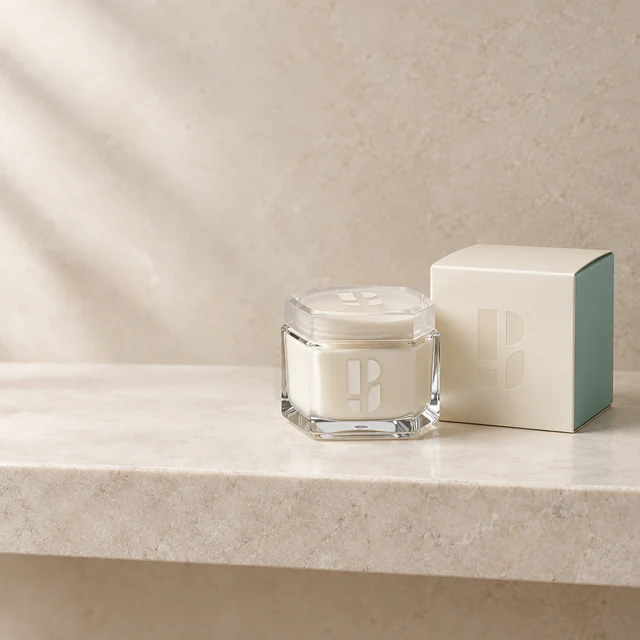
Remove a towel from a product photo
Remove a towel and its shadow beside cosmetics. Restore an empty stone shelf while keeping the jar and carton outside the selection.
Explore this case →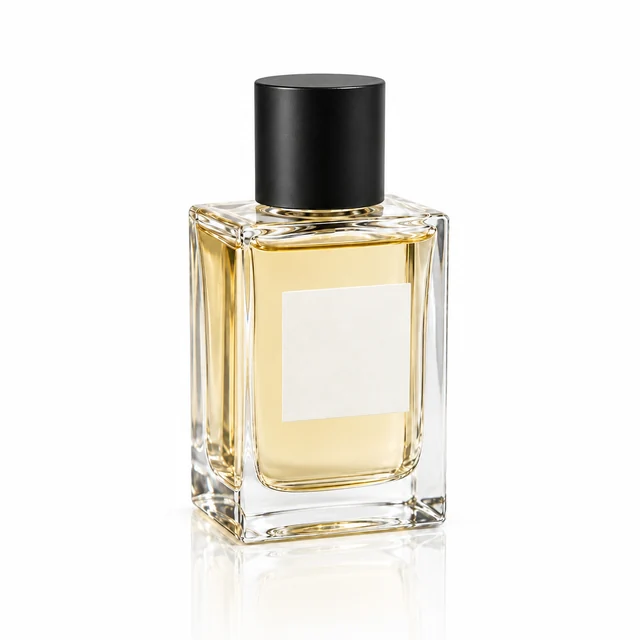
Perfume reflection on a glossy surface
A clear bottle on white gloss with a fading reflection. Check the single product, glass and surface contact.
Explore this case →Choose the tool for your task
Use Product Studio for styled product photos, AI models for apparel, and the editor for selected changes. Review labels, logos, garment construction and anatomy before publishing.
Open the tools →