
Photojam · Cases
Product backgrounds and shadows: white surfaces and reflections
Examples of clean backgrounds, contact shadows and product reflections. Compare clear glass and dark electronics, then choose a catalogue-photo description.
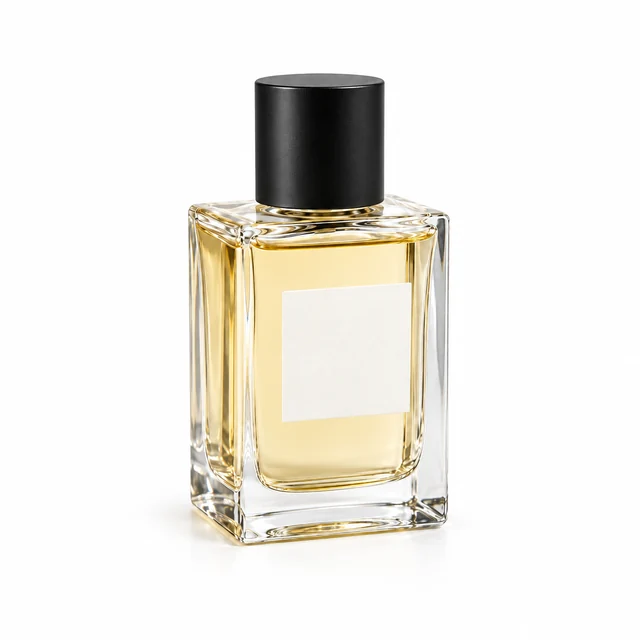
White background with a contact shadow
Create a white background and a short soft shadow beneath a clear bottle. Unlike a styled scene, the focus stays on the product and its contact with the surface.
Explore this case →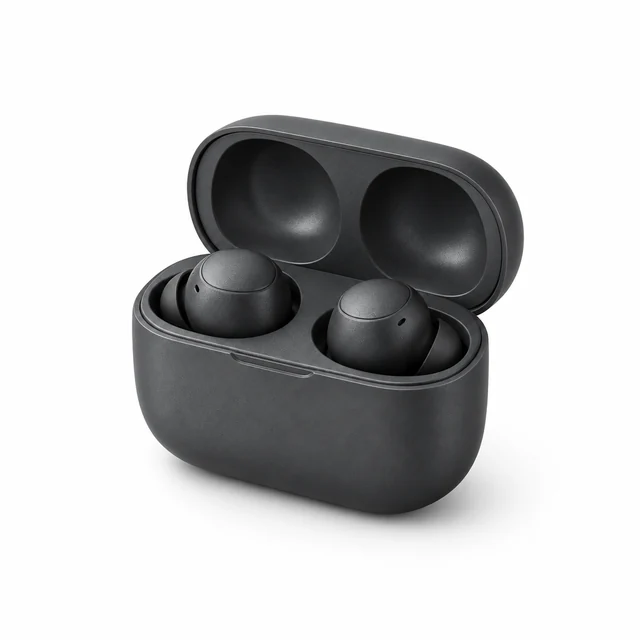
Dark earbuds on a white background
Graphite earbuds and an open case on clean white. A soft shadow shows surface contact while retaining highlights and housing details.
Explore this case →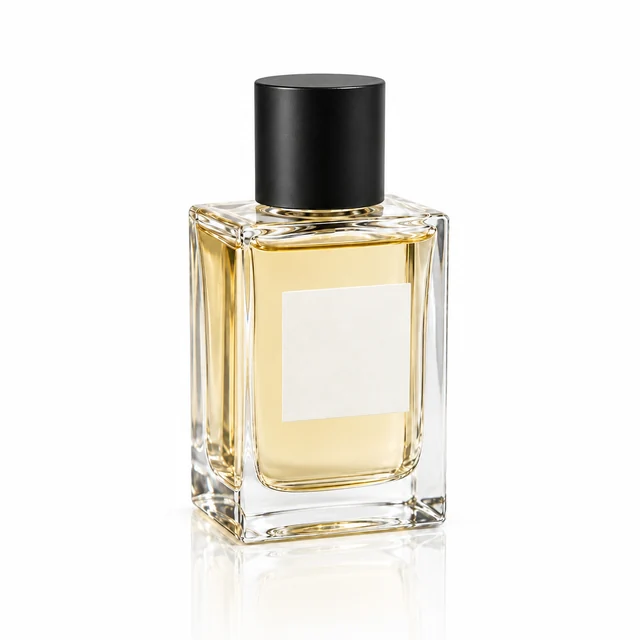
Perfume reflection on a glossy surface
A clear bottle on white gloss with a fading reflection. Check the single product, glass and surface contact.
Explore this case →A shadow connects the product to the surface
On white, a short soft contact shadow shows where an item rests. Dark electronics need intact highlights and housing details; transparent glass needs a clear silhouette, liquid and cap. The same background does not mean identical treatment of every material.
A glossy surface can include a reflection below the product. It should follow the single item, perspective and lighting rather than resemble a second independent product. Ordinary shadows and reflections are shown as separate tasks.
White is different from transparent
These examples show opaque white surfaces. A visible white background does not establish a transparent PNG layer. Choose the output according to how you plan to use the image.
Compare component count, shape, edges and contact with the surface. Explore product scenes for interiors and props, or selected-area editing for a small change to an existing photo.