
Product scenes · Product Studio
Perfume photography on a marble plinth
A clear bottle on a plain background becomes a product scene with a marble plinth and soft side lighting. Check the glass silhouette, cap and single-bottle composition.
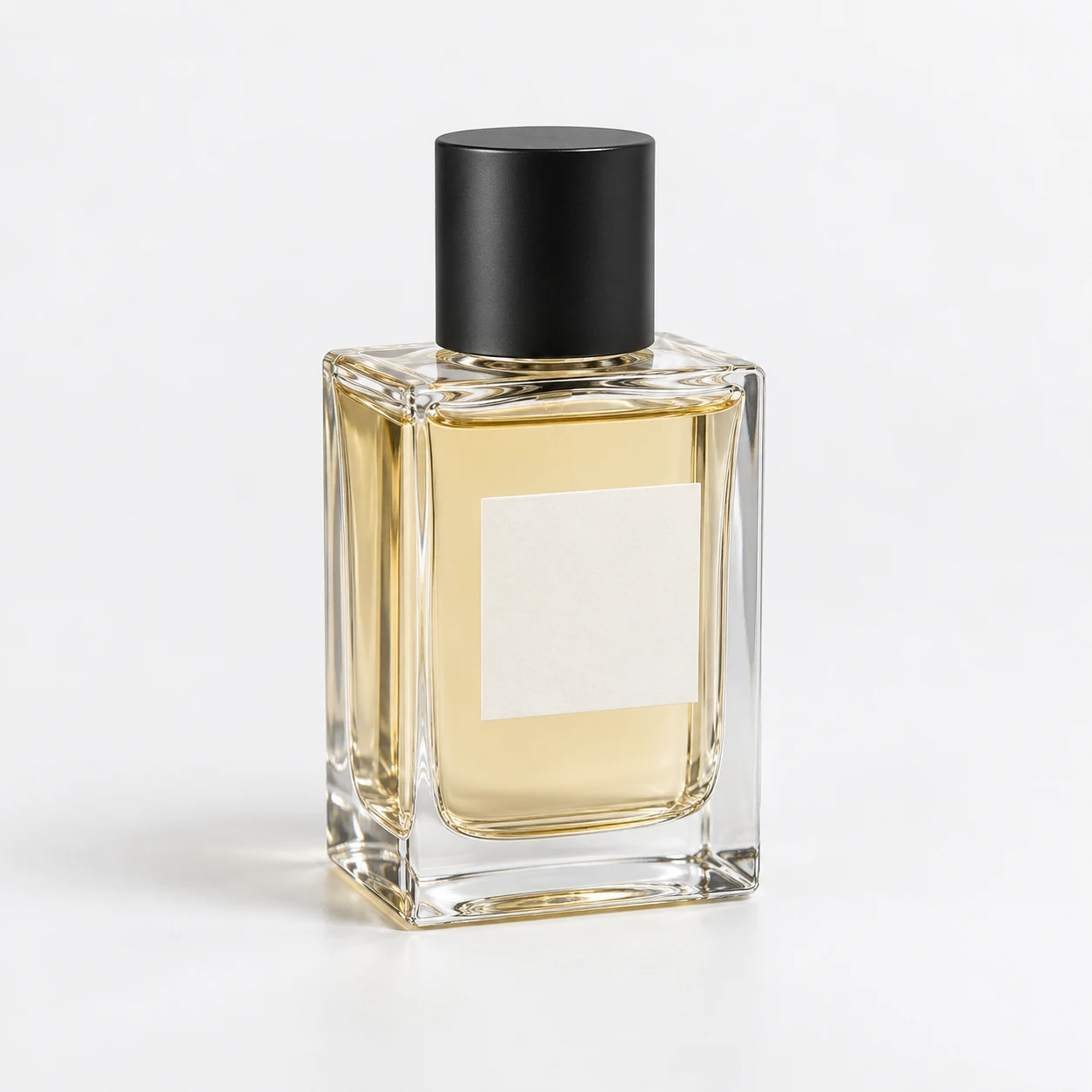
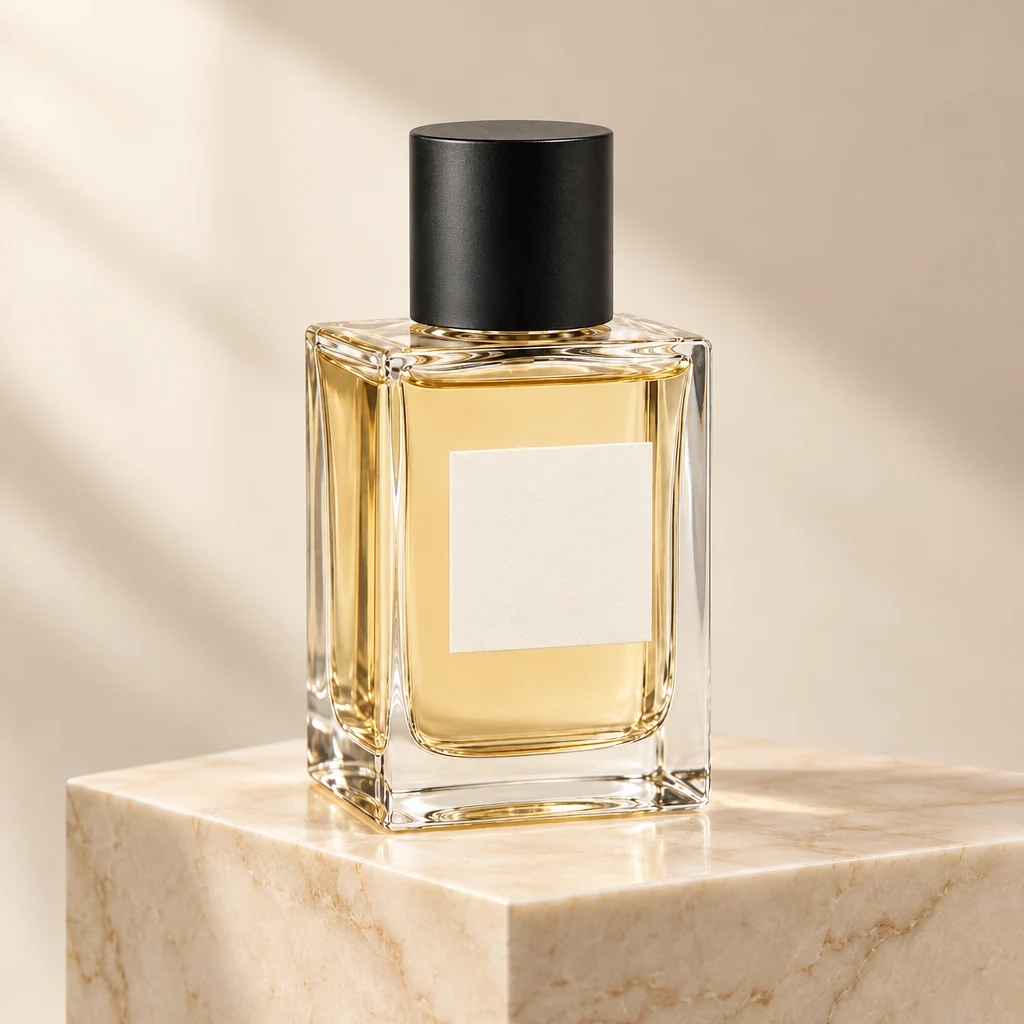
Demo case: the source images are AI-generated and the result is AI-processed. Use your own product and inspect details before publishing.
Format: 1:1
The task and result
The task is a styled image for an online storefront or an ad placement. The input is a fully visible bottle with amber liquid and a blank label. The result adds cream marble, a warm backdrop and a directional shadow. Use the scene alongside a catalogue packshot and check your destination’s image requirements.
How to repeat it
- Open Product Studio and upload the bottle photo. Keep the complete product visible.
- Choose a square 1:1 output and describe a cream marble plinth with soft side lighting.
- Ask for one bottle with no extra packaging or new writing.
- Compare the glass, cap, label and component count, then download a suitable result.
What to check
- The rectangular glass body and black cylindrical cap should remain recognisable.
- Highlights may change with the lighting. This is not a promise of pixel-for-pixel preservation.
- The shadow should ground the bottle on the plinth; check for extra bottles or text.
Description to reuse
Place this exact unbranded perfume bottle upright on a cream marble plinth in a restrained luxury storefront scene. Gentle warm side lighting; pale neutral background. Retain the rectangular clear glass body; amber liquid; black cylindrical cap and blank ivory label. Exactly one bottle; no text or added packaging.
A Photojam-branded variant
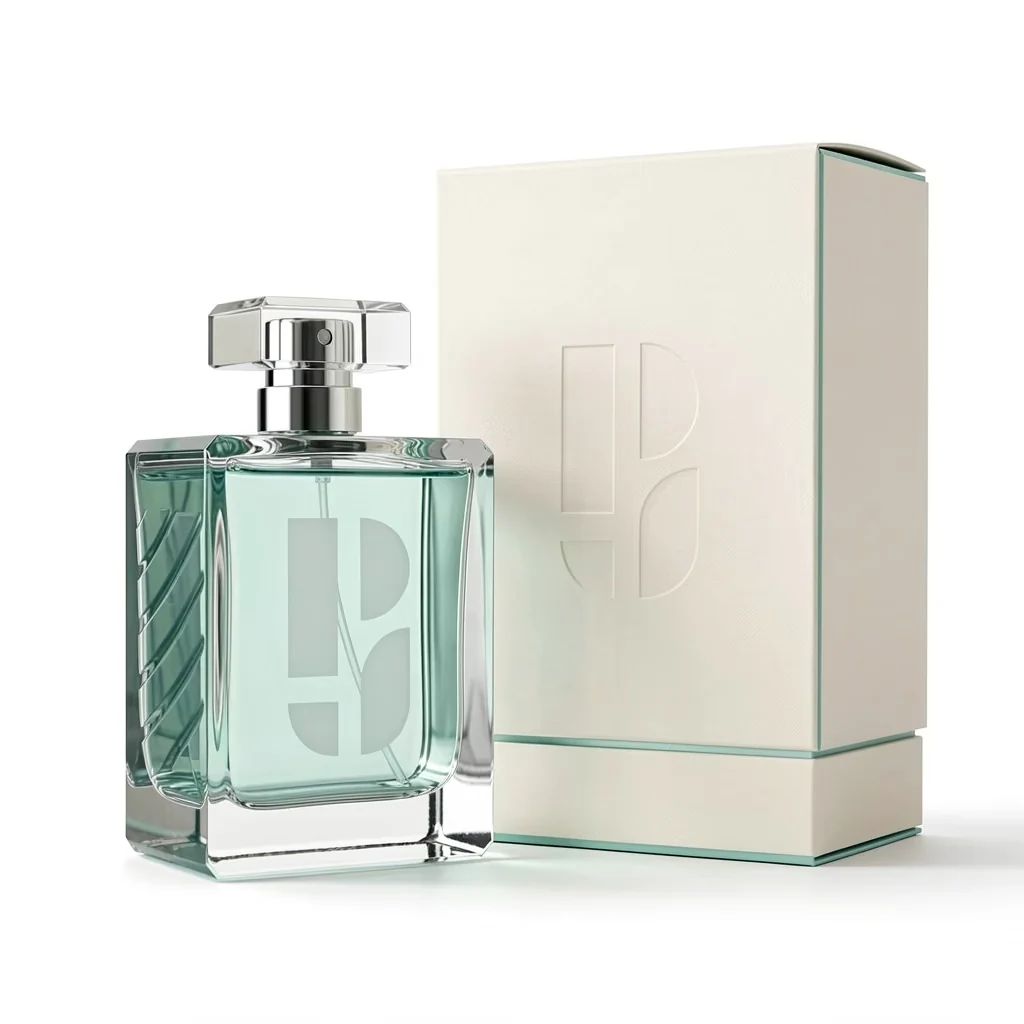
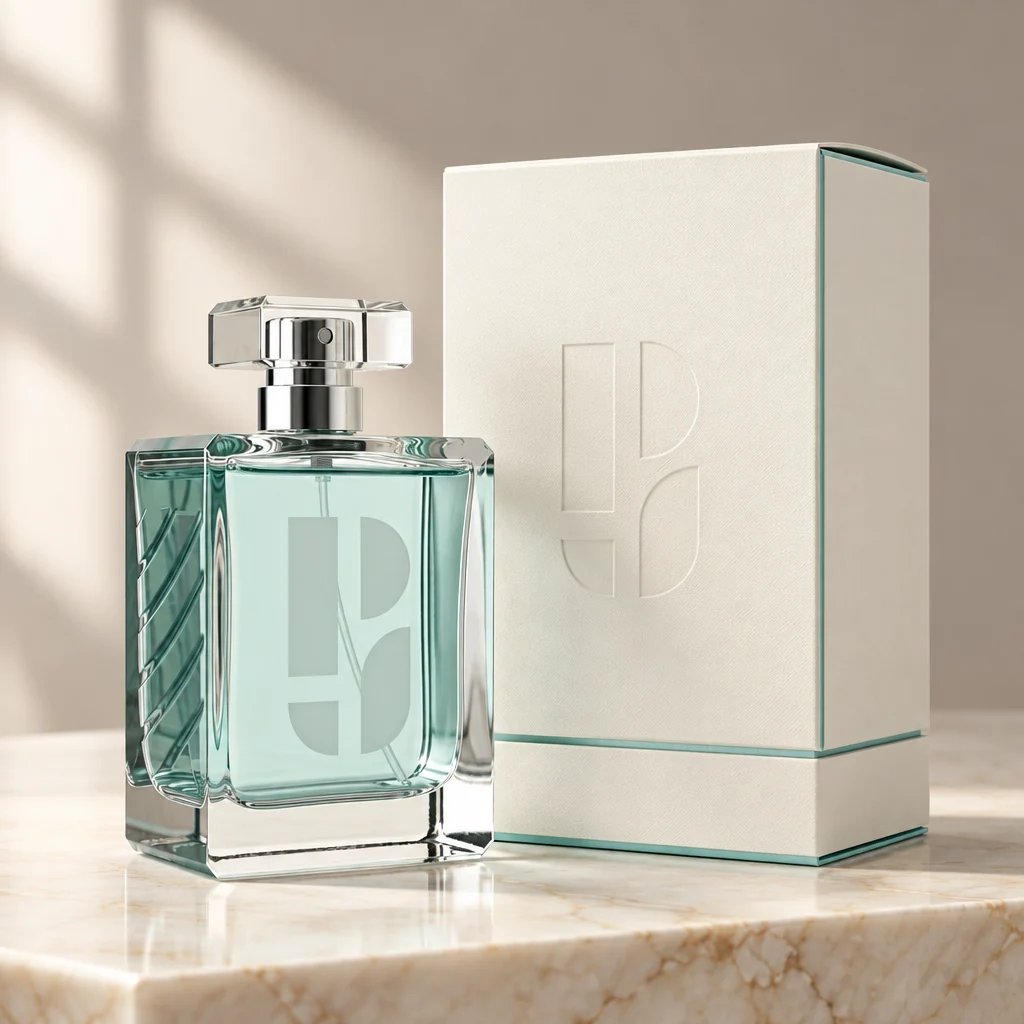
This source has two objects: a bottle and its carton. Check both Photojam symbols, the transparent cap, carton seams and teal accents. It is a second example of the same task, so it shares this page.
Questions about this case
Can I use a branded product?
Yes, but compare small symbols and lettering against the source. The additional example below uses the Photojam symbol on both a bottle and its carton.
Do I need to cut out the glass first?
This example uses a plain source photo without a separate cutout. A complete silhouette and uncluttered background help describe the product clearly.
More things to try
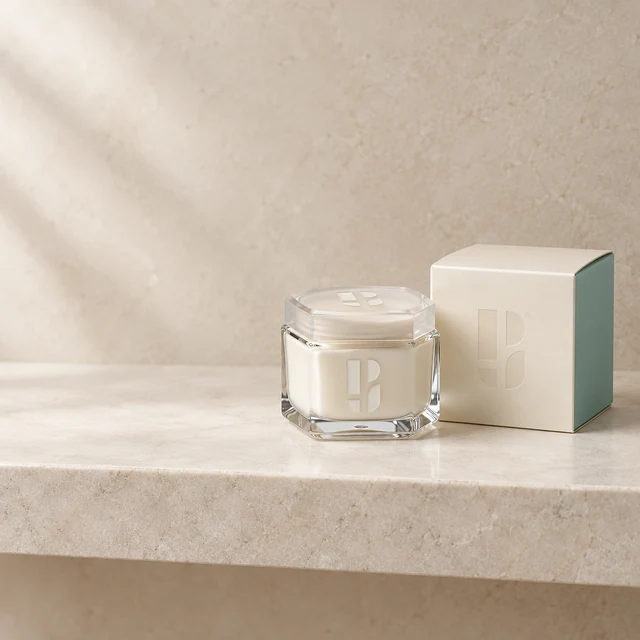
Skincare jar in a bathroom setting
A branded cream jar and carton become a light stone-shelf scene. Check both packages, the lid and the Photojam symbols on glass and cardboard.
Explore this case →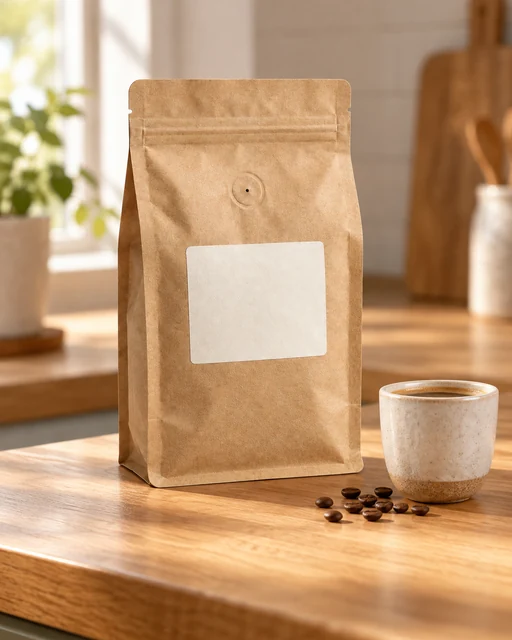
Coffee bag on a kitchen counter
Place a kraft coffee pouch on a kitchen counter in morning light. A cup and a few beans add context while the pouch shape, valve and blank label remain the important details.
Explore this case →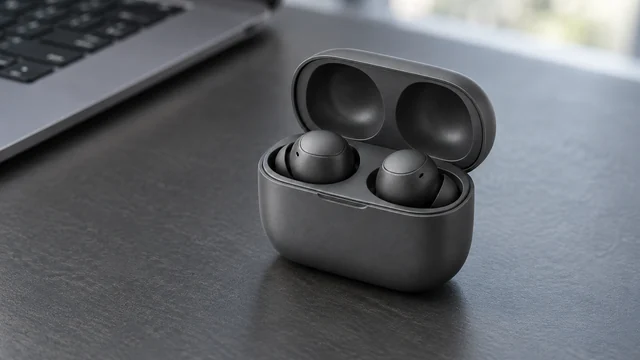
Earbuds on a workspace desk
Graphite earbuds in an open case become part of a workspace scene. The wide composition adds context while retaining two earbuds, the lid hinge and charging cavities.
Explore this case →