
Backgrounds and shadows · Backgrounds and shadows
White background with a contact shadow
Create a white background and a short soft shadow beneath a clear bottle. Unlike a styled scene, the focus stays on the product and its contact with the surface.
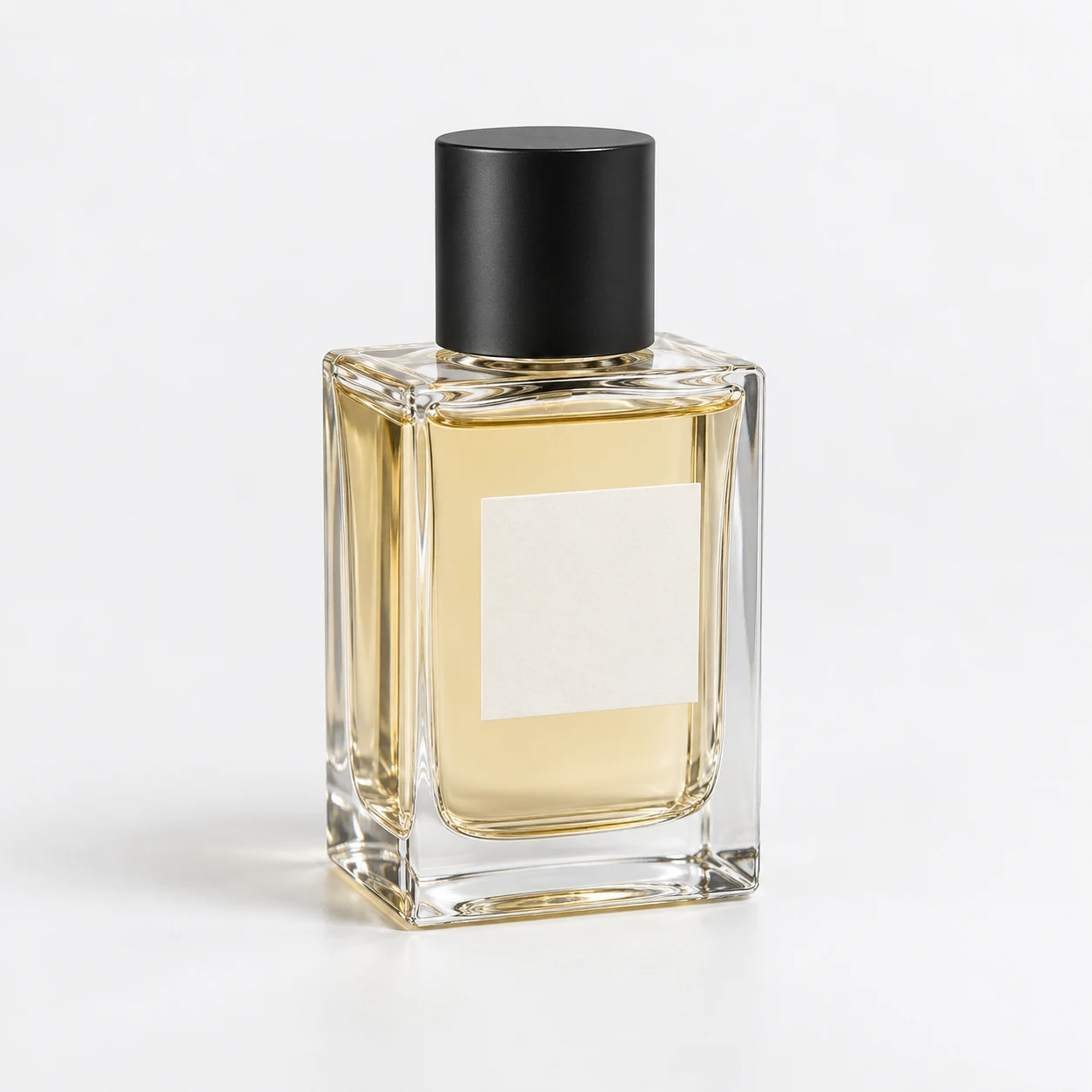
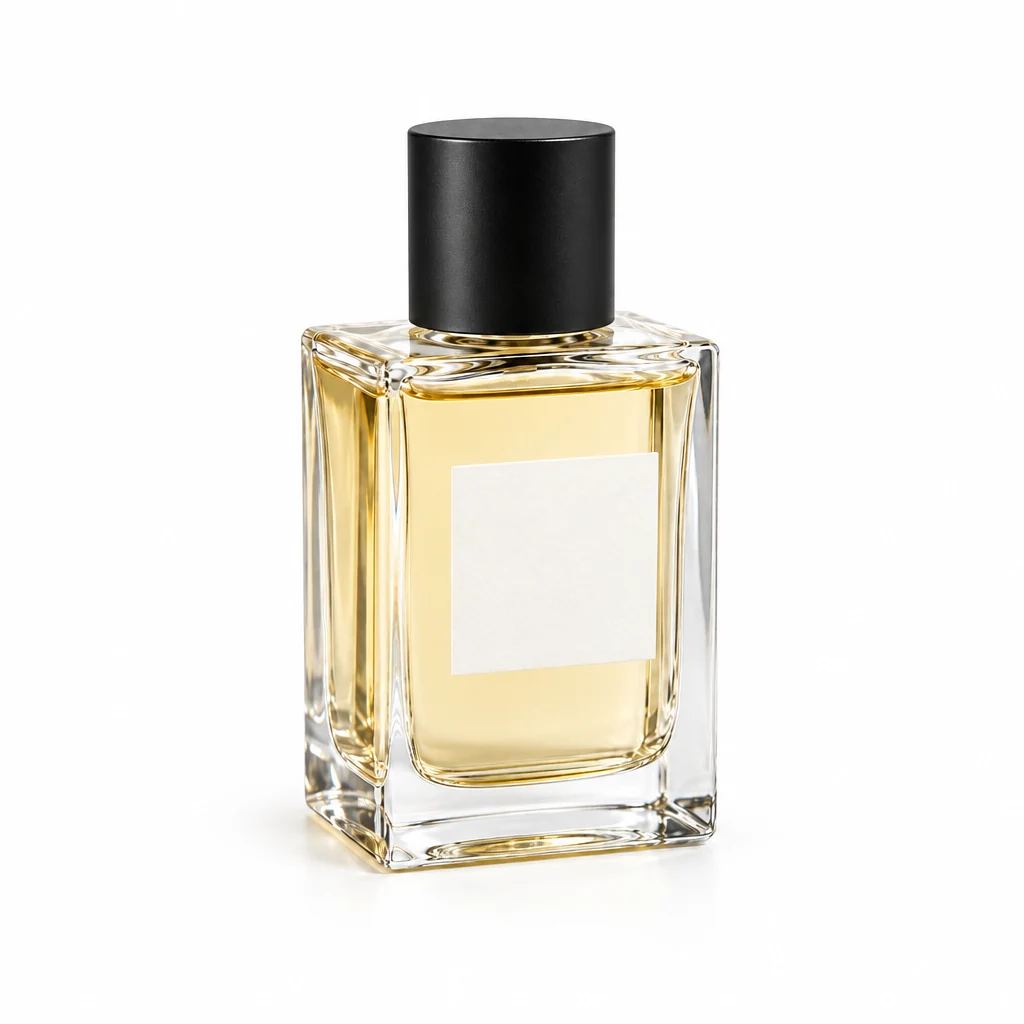
Demo case: the source images are AI-generated and the result is AI-processed. Use your own product and inspect details before publishing.
Format: 1:1
The task and result
The source shows a perfume bottle with a black cap. The result provides a restrained catalogue presentation: white surroundings, one product and a small grounding shadow. Glass details matter more than decorative props.
How to repeat it
- Open Backgrounds and shadows and upload the complete bottle.
- Choose white as the background colour and a square output.
- Describe a short soft contact shadow without props.
- Inspect the clear glass, cap and base before downloading.
What to check
- The shadow should meet the base so the bottle does not look suspended.
- This image has an opaque white background. Use background removal for a transparent PNG.
- Lighting and highlights may change; exact product pixels are not guaranteed.
Description to reuse
Use a clean white studio background with one short, realistic soft contact shadow under the exact uploaded transparent perfume bottle. Preserve the glass geometry, amber liquid, black cylindrical cap and blank label. Exactly one bottle; no added text or props.
Questions about this case
Is this background removal?
This creates a white background and shadow. The file remains opaque; an alpha cutout uses a separate tool.
More things to try
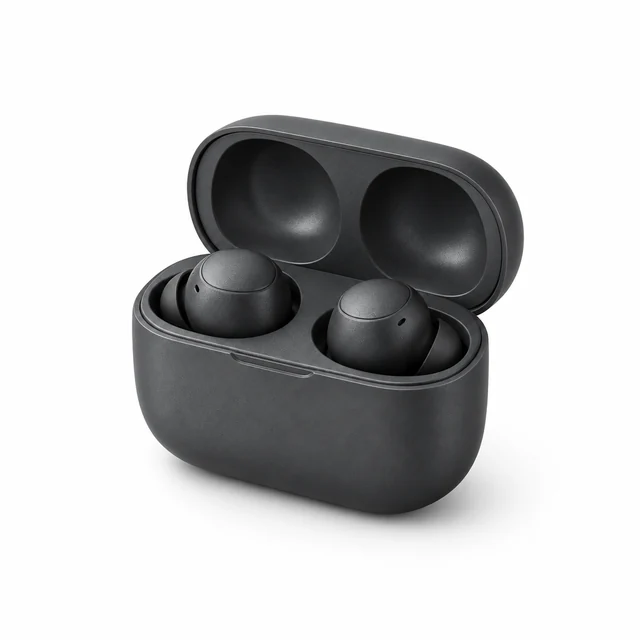
Dark earbuds on a white background
Graphite earbuds and an open case on clean white. A soft shadow shows surface contact while retaining highlights and housing details.
Explore this case →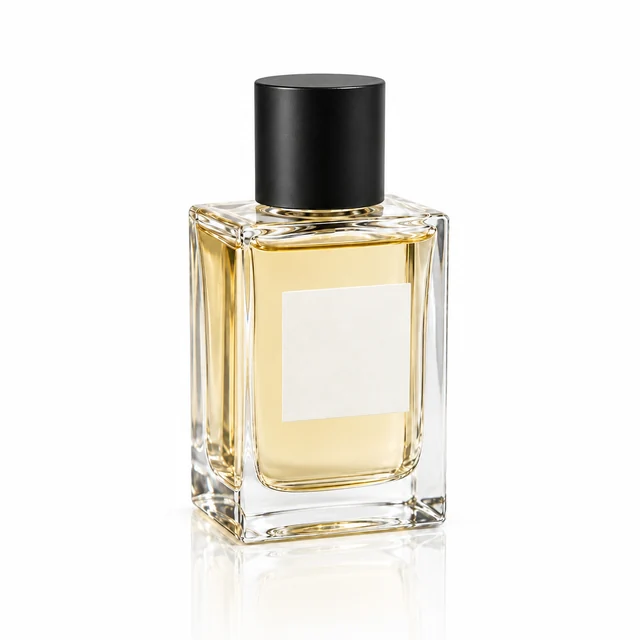
Perfume reflection on a glossy surface
A clear bottle on white gloss with a fading reflection. Check the single product, glass and surface contact.
Explore this case →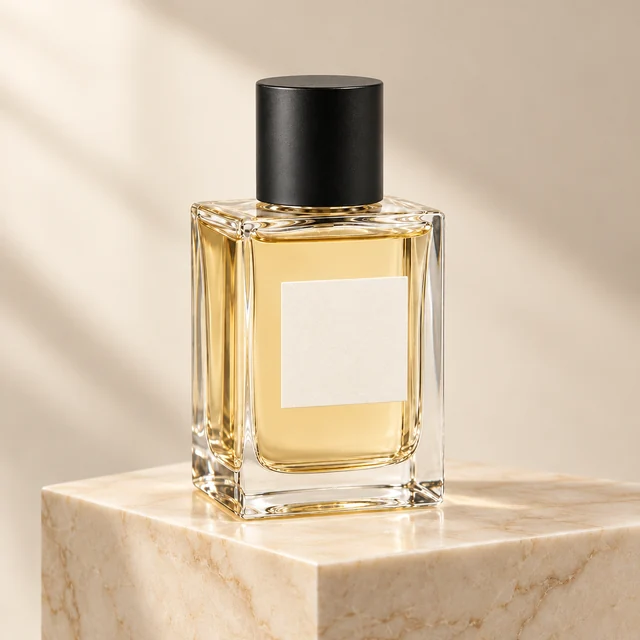
Perfume photography on a marble plinth
A clear bottle on a plain background becomes a product scene with a marble plinth and soft side lighting. Check the glass silhouette, cap and single-bottle composition.
Explore this case →