
Local edits · Image editor
Remove a towel from a product photo
Remove a towel and its shadow beside cosmetics. Restore an empty stone shelf while keeping the jar and carton outside the selection.
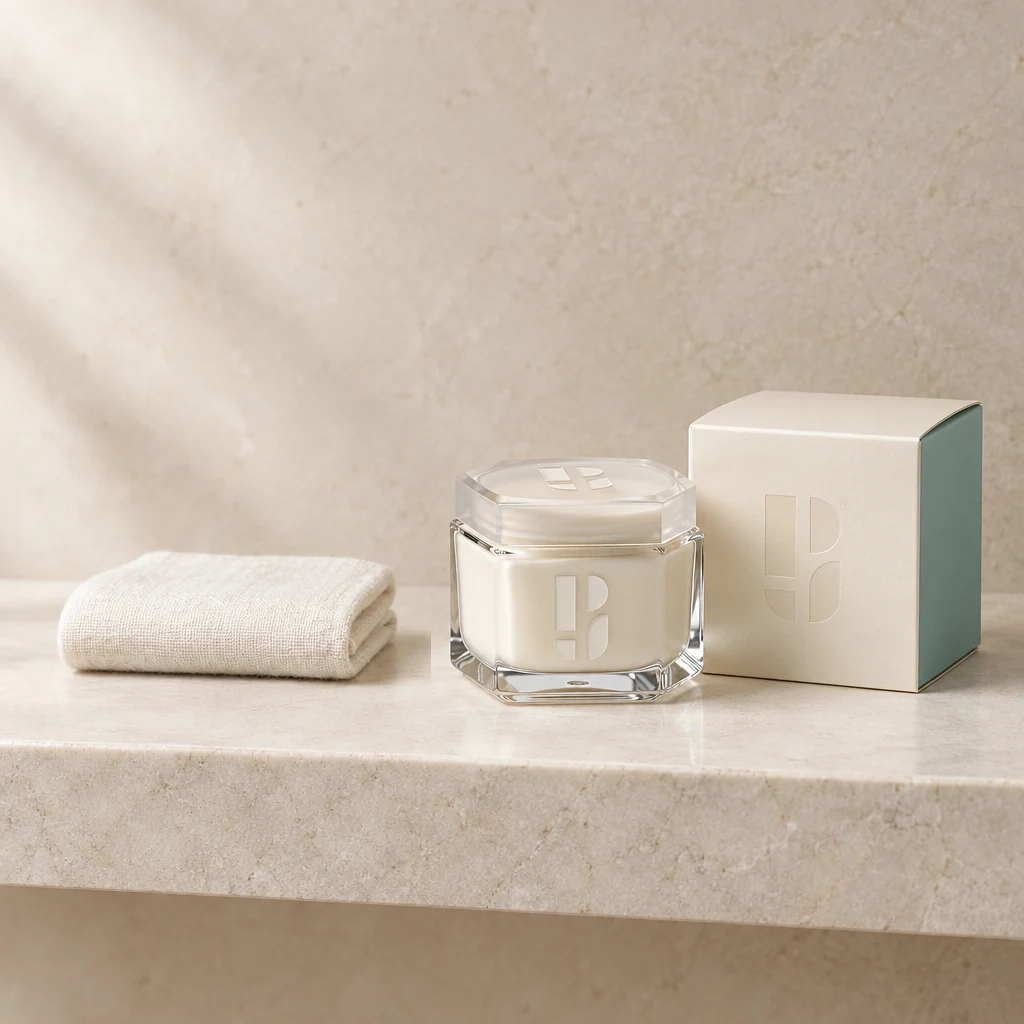
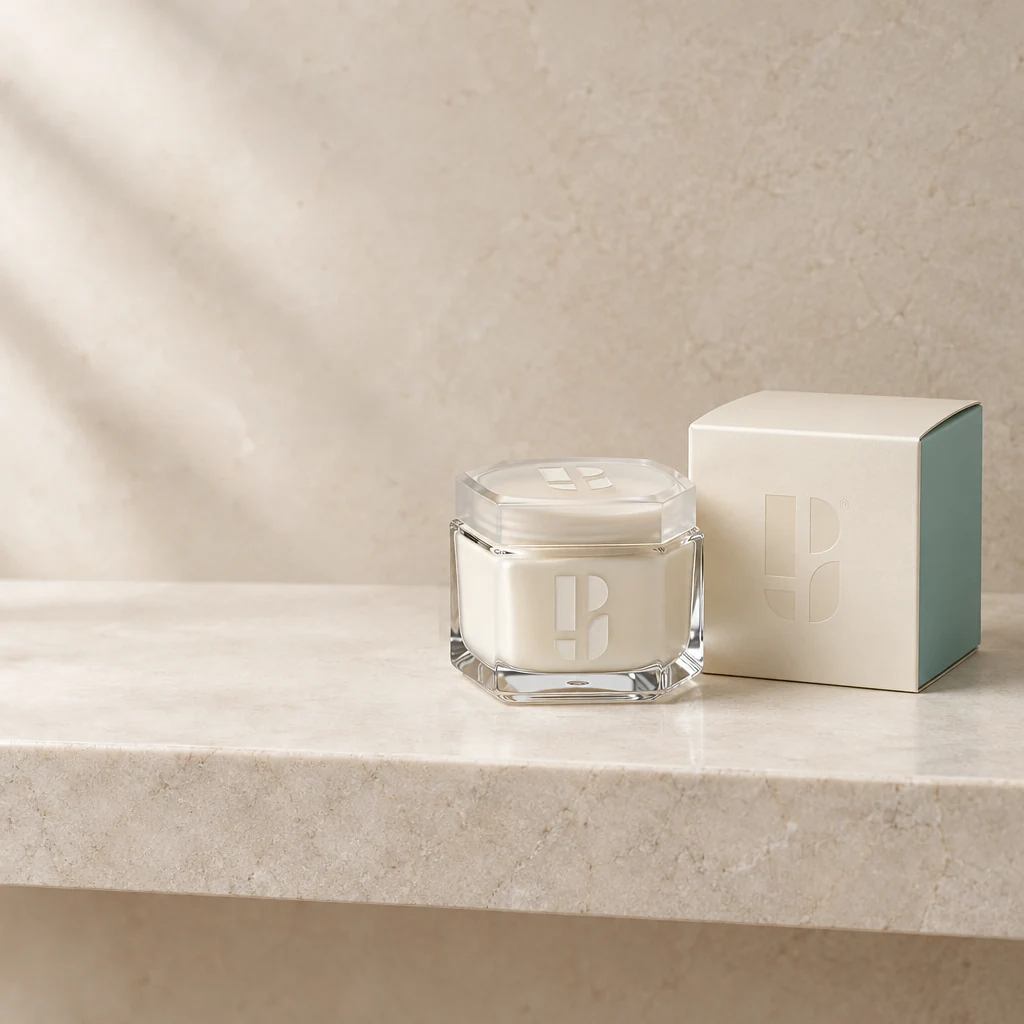
Demo case: the source images are AI-generated and the result is AI-processed. Use your own product and inspect details before publishing.
Format: 1:1
The task and result
The source already contains a prop. The task is a calmer composition without reshooting the product. The selection covers the left wall-and-shelf area while excluding packaging. The result leaves empty space and continues the surface texture; inspect the edit boundary and removal of the old shadow.
How to repeat it
- Open the editor and upload the towel photo.
- Select the towel, shadow and surrounding left area, leaving the product outside.
- Ask to continue the empty shelf with matching light and texture.
What to check
- No fabric outline or old shadow patch should remain.
- Inspect texture continuity at the selection edge.
Description to reuse
Remove the folded towel and its complete shadow from the left side. Continue the original empty pale stone shelf and beige wall with the exact original soft lighting, texture and brightness at every selection boundary. No visible rectangle, vertical stripe or new object. Preserve the cream jar and carton completely.
Questions about this case
Should I select the shadow too?
Yes: include it in the same area. Otherwise the fabric may disappear while its shadow remains.
More things to try
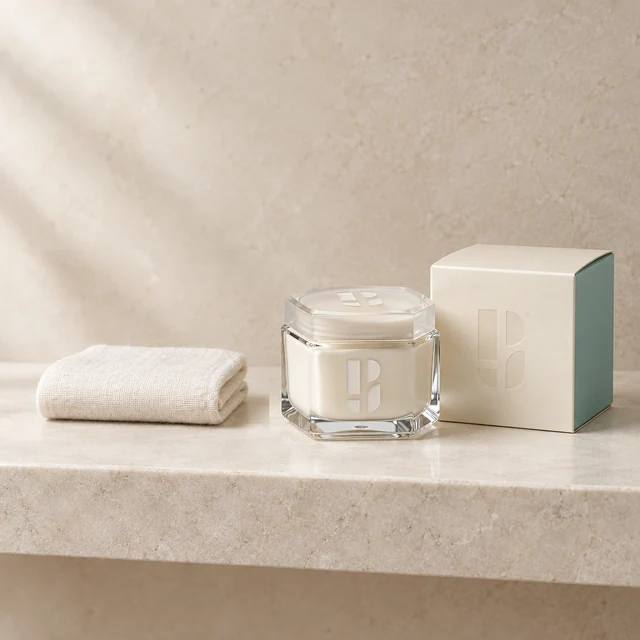
Add a towel beside skincare
Add a small ivory towel to empty shelf space beside the cosmetics. Select the empty area and keep the jar, carton and brand symbols outside the edit.
Explore this case →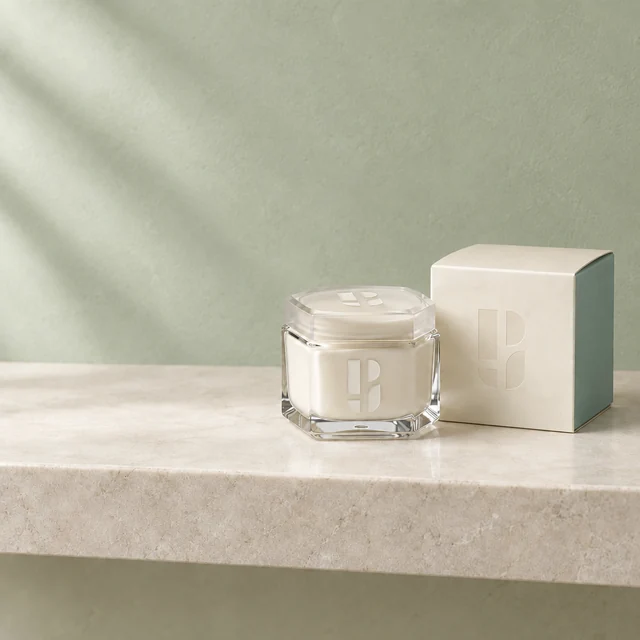
Change wall colour in a product photo
Change a beige wall to muted green. This example selects the whole frame, retaining packaging, shelf and composition through instructions and review.
Explore this case →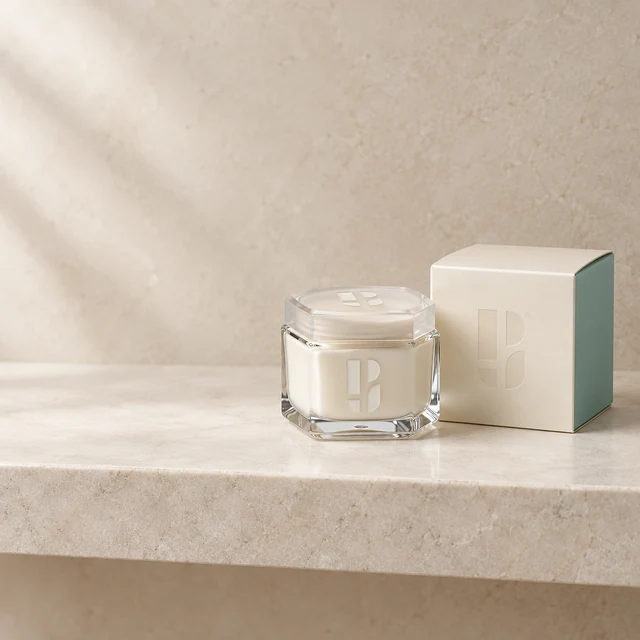
Skincare jar in a bathroom setting
A branded cream jar and carton become a light stone-shelf scene. Check both packages, the lid and the Photojam symbols on glass and cardboard.
Explore this case →