
Local edits · Image editor
Change wall colour in a product photo
Change a beige wall to muted green. This example selects the whole frame, retaining packaging, shelf and composition through instructions and review.
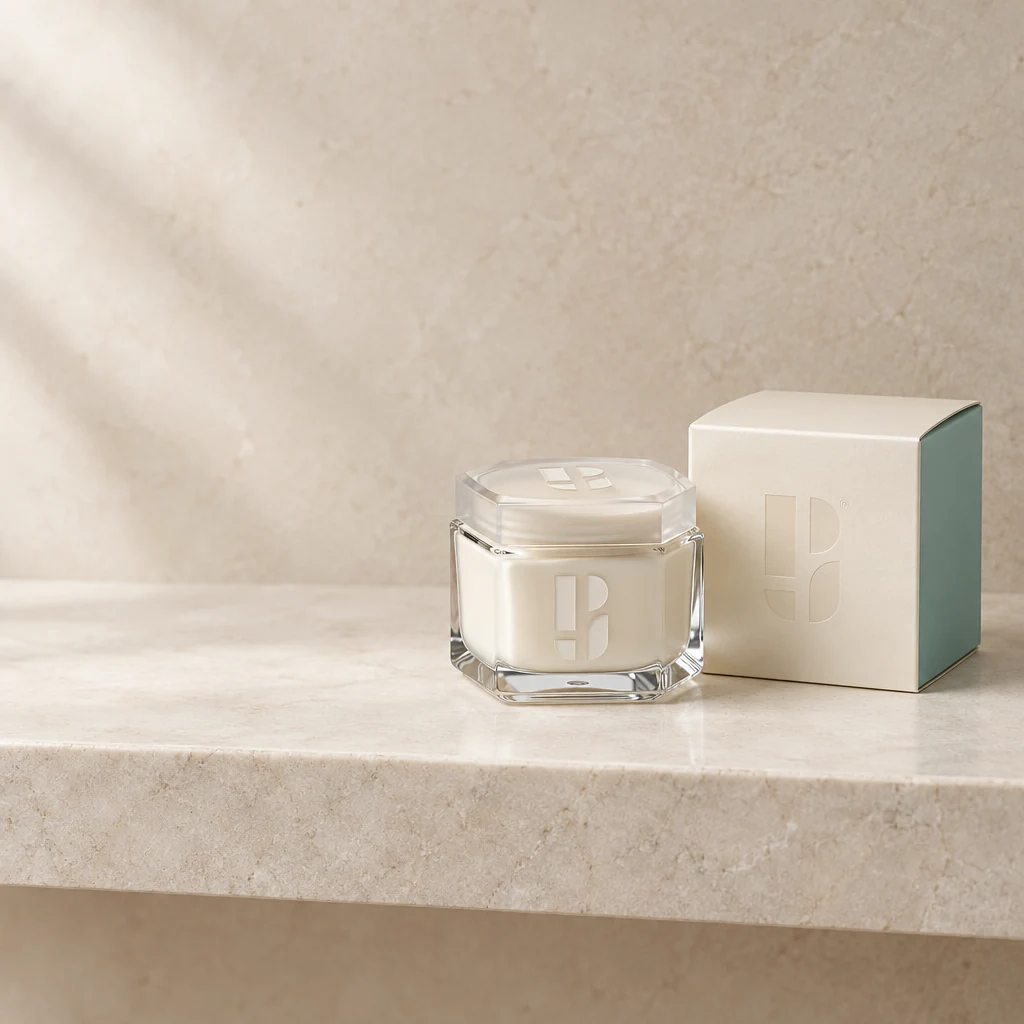
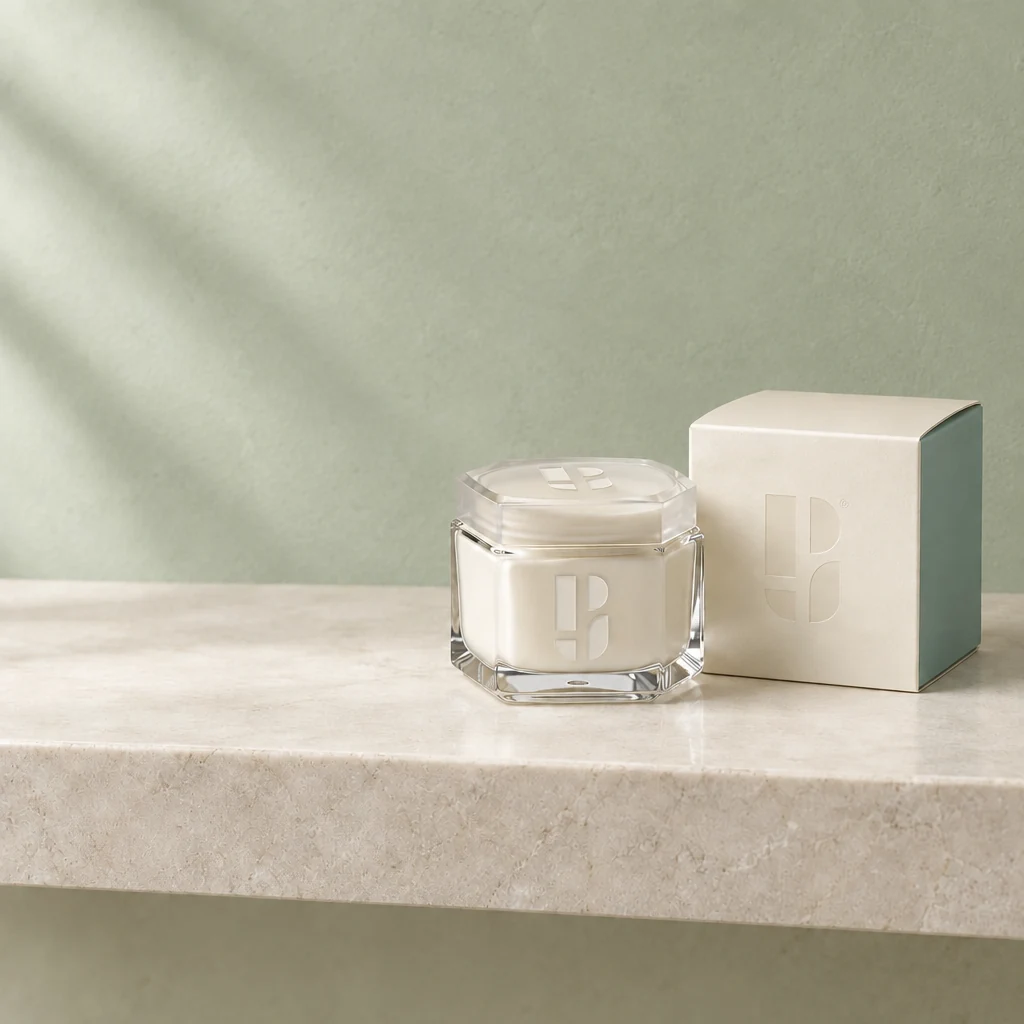
Demo case: the source images are AI-generated and the result is AI-processed. Use your own product and inspect details before publishing.
Format: 1:1
The task and result
A tight initial selection left visible beige edges around the product. The displayed result selects the whole frame and asks to change only the wall. This avoids a rectangular boundary, but other pixels are generated too: separately compare symbols, lid and glass.
How to repeat it
- Upload the product photo to the editor.
- For this approach, select the whole frame and specify a wall-only change.
- Ask to retain the product and shelf, then compare packaging after generation.
What to check
- Check for pale outlines and rectangular patches behind the packaging.
- A full-frame selection does not guarantee pixel-exact product preservation.
Description to reuse
Edit this existing photograph gently: change only the beige background wall to pale muted sage green plaster. Keep the exact cream jar and branded carton, lid, logos, glass shape, original product positions, original beige stone shelf and camera framing. Preserve lighting gradients and natural textures. The whole frame is selected so avoid rectangular boundaries and use the source as identity guide. No added props, seams or redesigned products.
Questions about this case
Will the product stay pixel-identical?
This example makes no such promise: the whole frame is selected. Critical areas must be outside the mask to retain their original pixels.
More things to try
Remove a towel from a product photo
Remove a towel and its shadow beside cosmetics. Restore an empty stone shelf while keeping the jar and carton outside the selection.
Explore this case →
Skincare jar in a bathroom setting
A branded cream jar and carton become a light stone-shelf scene. Check both packages, the lid and the Photojam symbols on glass and cardboard.
Explore this case →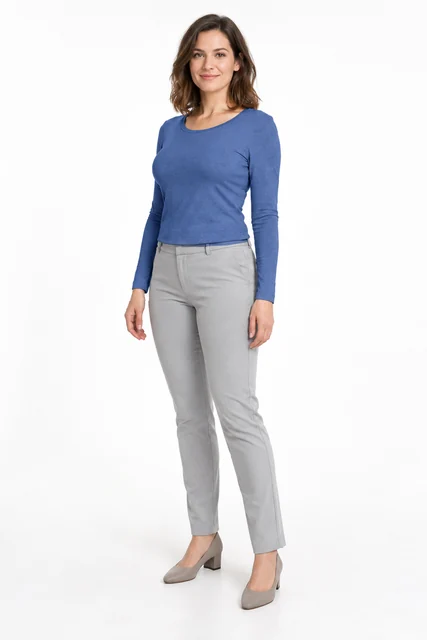
Change clothing colour with a mask
Recolour the complete long-sleeve top to blue through a selected area. Retain its cut and folds while protecting the face, hands, trousers and background.
Explore this case →