
Apparel and models · AI models
Work apron on a model
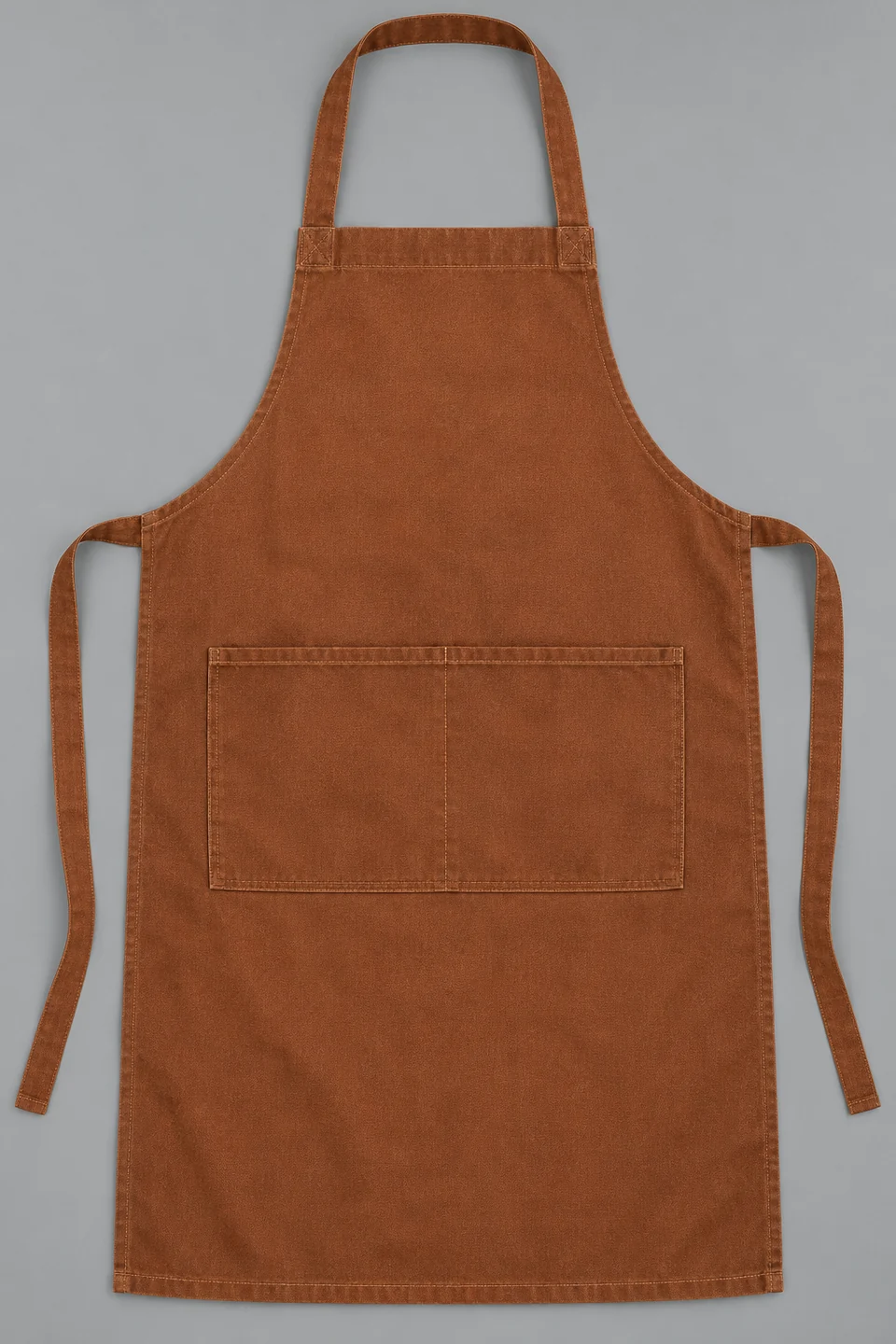
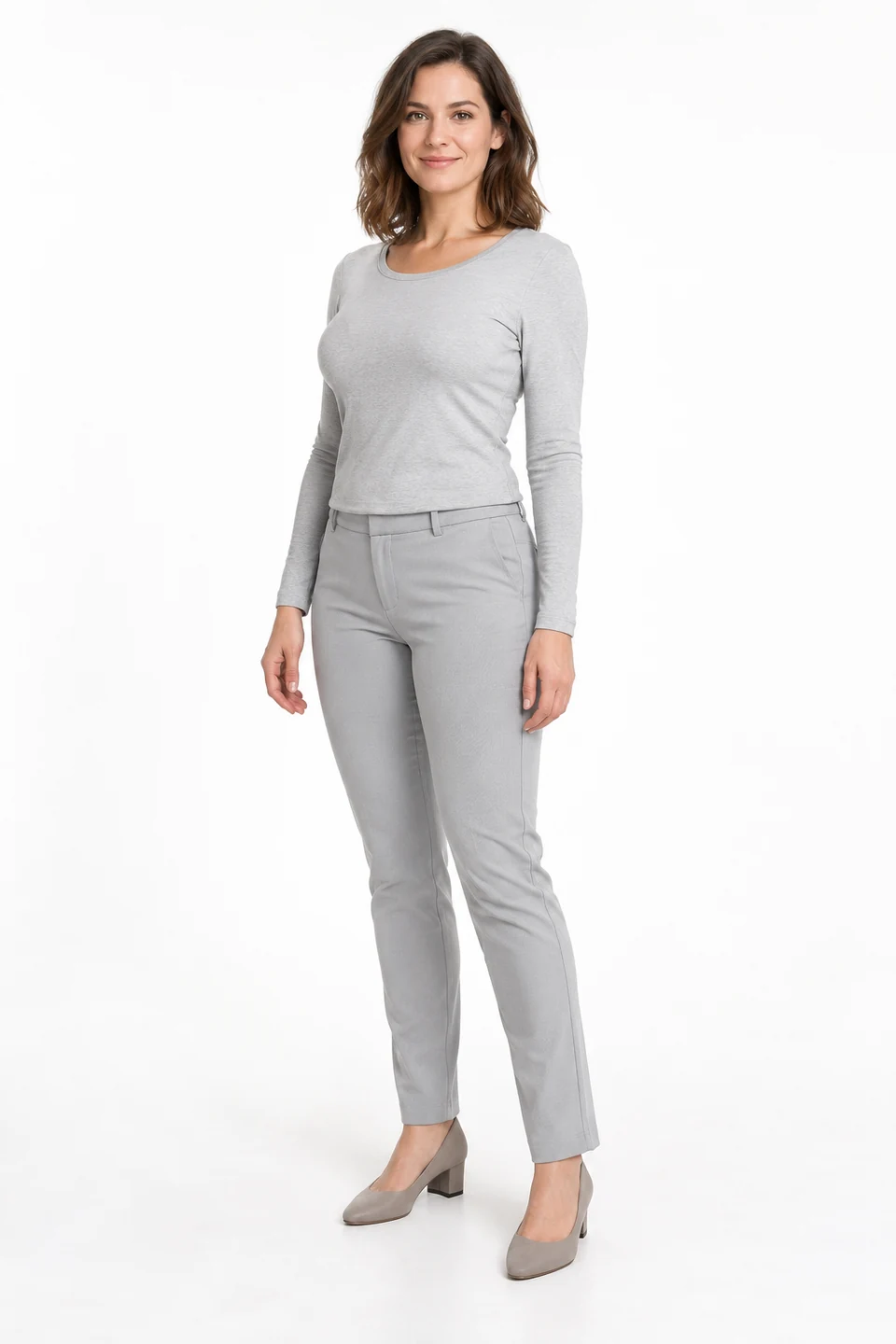
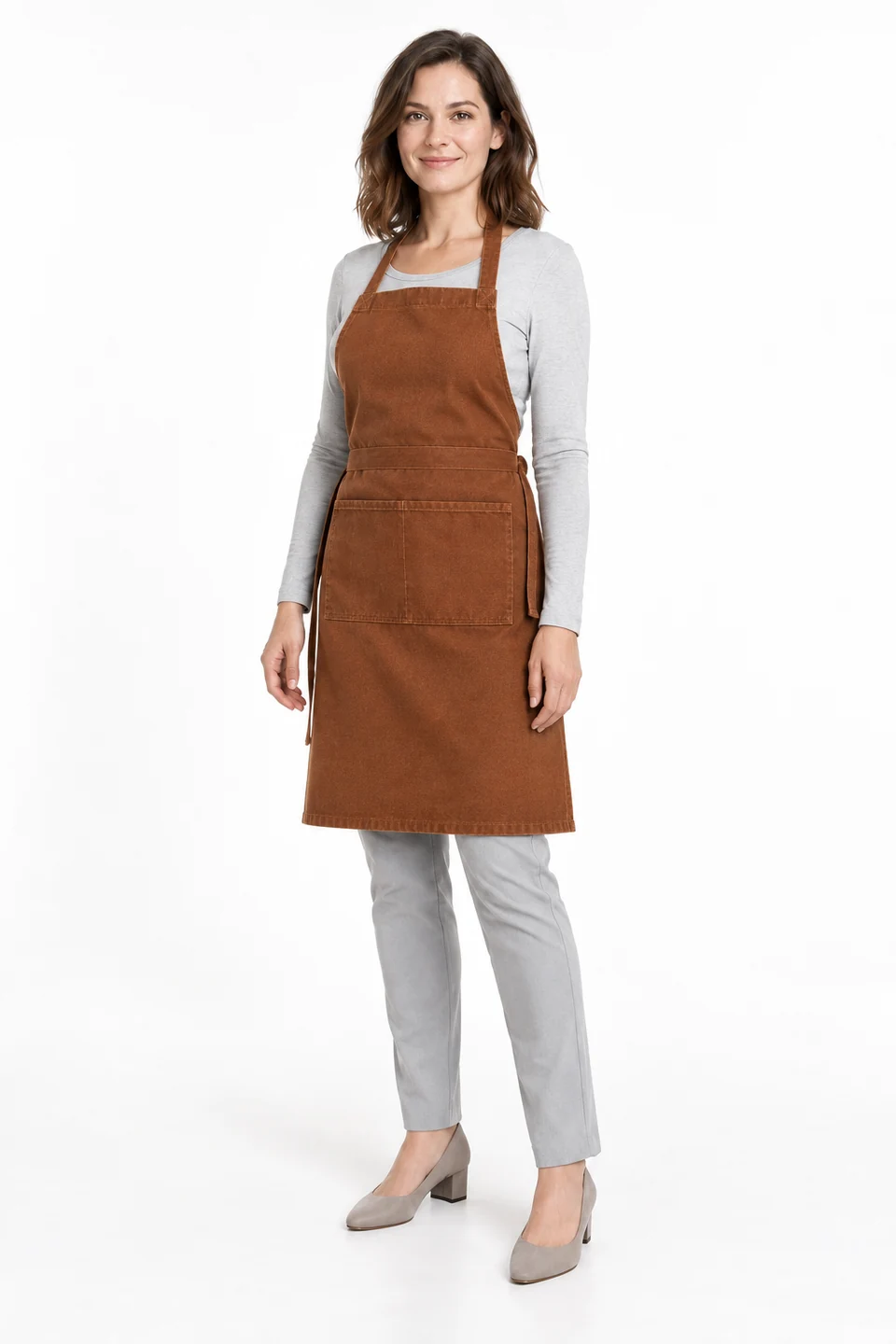
Transfer a flat-lay apron onto a model. Inspect its neck loop, ties and divided pocket over the base outfit.
Demo case: the source images are AI-generated and the result is AI-processed. Use your own product and inspect details before publishing.
Format: 2:3
The task and result
Workwear presentation needs clear construction: bib, waist and pocket. The source defines a brown apron with a neck loop and two ties; the model defines appearance and a base outfit. The result shows the garment worn without tools or extra props.
How to repeat it
- Upload the complete apron including loop and both ties.
- Choose an adult model and describe simple clothing underneath.
- Check the pocket, seams, ties and hem edges.
What to check
- The neck loop should sit naturally around the neck.
- The divided pocket should not gain extra sections.
Description to reuse
Dress the adult woman from Image 2 in the exact rust-brown work apron from Image 1 over a simple light-gray long-sleeve top and gray trousers. Preserve the neck loop, waist ties, canvas weave, rectangular lower pocket and its single central divider seam. Full body in a clean white studio, hands visible; no utensils, logos or extra pockets.
Questions about this case
Can this illustrate workwear?
It illustrates apron presentation. Upload your real workwear and compare pockets, fastenings and length.
More things to try
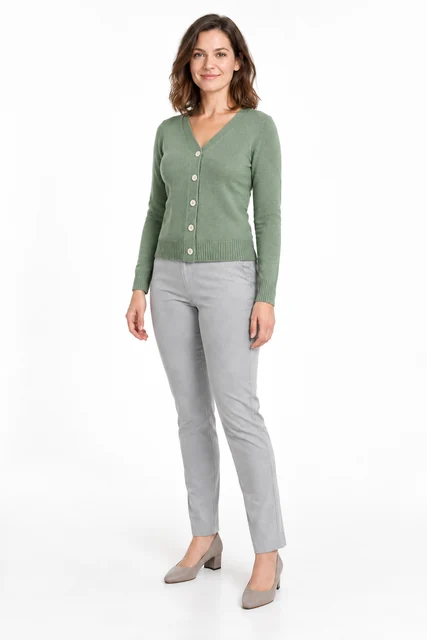
Change a person into a cardigan
Change a grey top to a sage cardigan using a separate garment image. This accepted example uses garment try-on with a cardigan, a model and instructions for the outfit to retain.
Explore this case →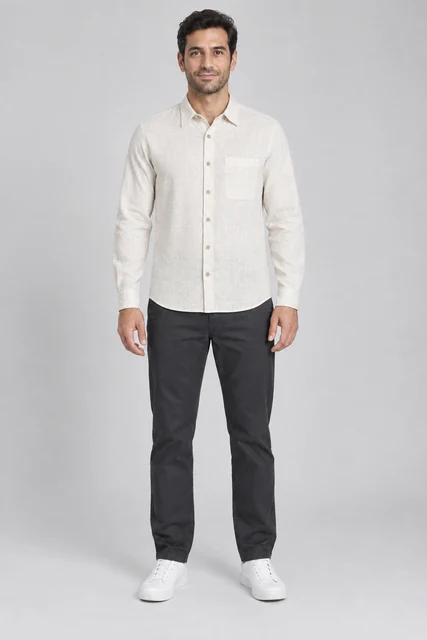
Men’s linen shirt on an AI model
Try an off-white linen shirt on an adult male model: compare the collar, chest pocket, buttons and fabric texture.
Explore this case →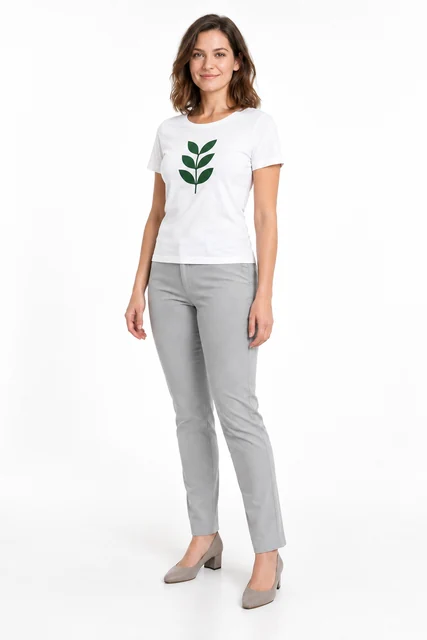
Printed T-shirt on an AI model
A white T-shirt with a green leaf print on a model. Inspect the graphic separately from the garment shape and fabric folds.
Explore this case →