
Apparel and models · AI models
Update a catalog with a mature model
Change the model in an existing dress photo using a portrait of an adult woman with short grey hair. Inspect the garment, shoes and studio setting separately from the face.
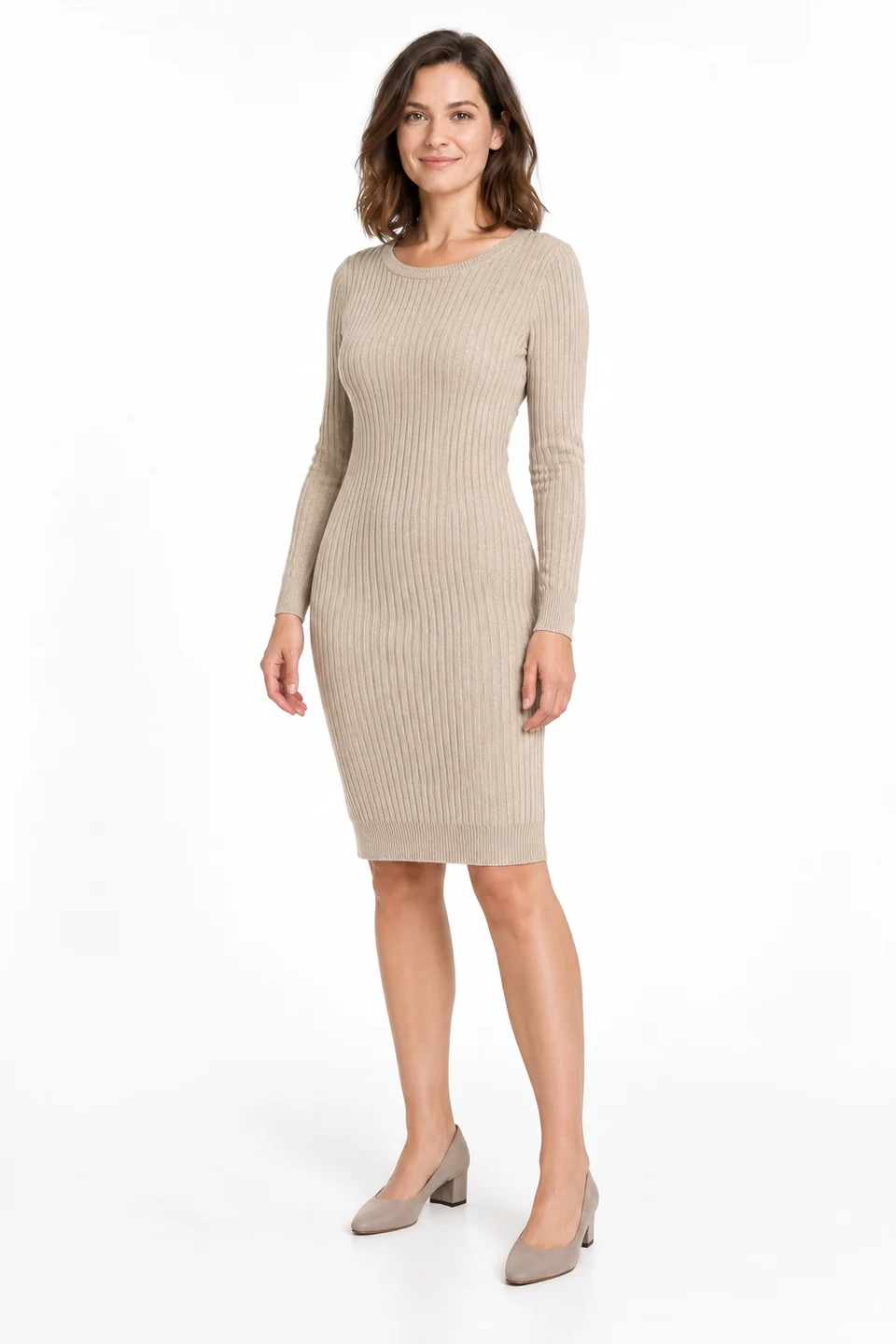

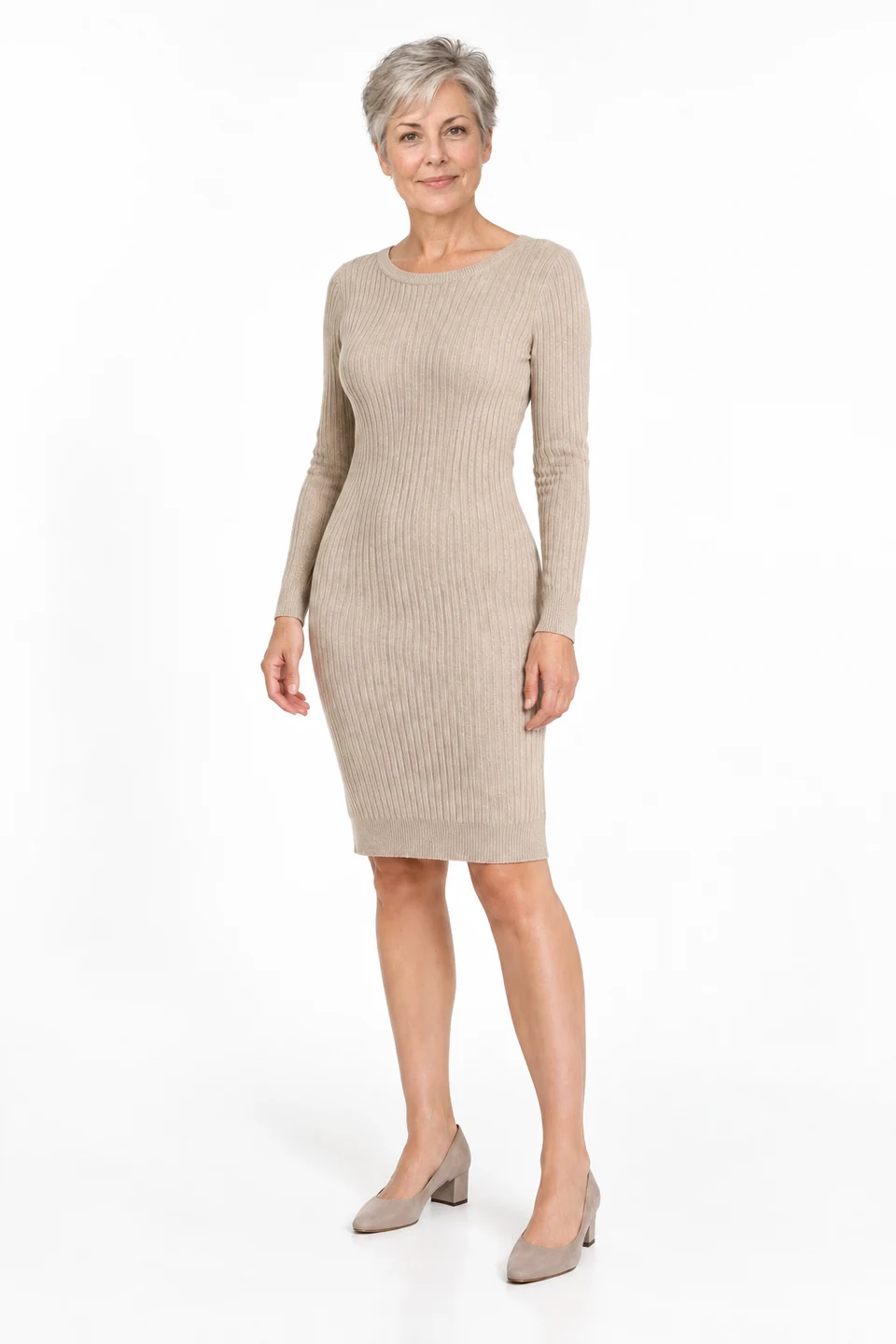
Demo case: the source images are AI-generated and the result is AI-processed. Use your own product and inspect details before publishing.
Format: 2:3
The task and result
This is model replacement rather than flat-lay try-on. The first input already shows a person wearing the dress; the second defines a new face and hairstyle. The result retains the beige knit dress and light backdrop while changing the model’s appearance.
How to repeat it
- Choose the model-replacement scenario in the model tool.
- Upload the original dress photo and a clear portrait of the new adult model.
- Ask to retain the dress, shoes and restrained studio backdrop.
- Compare the face, hair, neckline, sleeves and hem length.
What to check
- The portrait clothing should not replace the source dress.
- Inspect the face and natural skin texture at full size.
- The garment remains recognisable, but folds and proportions may change.
Description to reuse
Replace the person in Image 1 with the adult woman identity from Image 2, with her short gray hair and natural mature facial appearance. Preserve the exact beige rib-knit dress, neckline, cuffs and hem, neutral standing pose, shoes and white studio background. Do not copy the portrait clothing. Full body, natural anatomy.
Questions about this case
How does this differ from try-on?
The garment is already worn by the source model. The new input is a portrait, not a separate garment photo.
More things to try
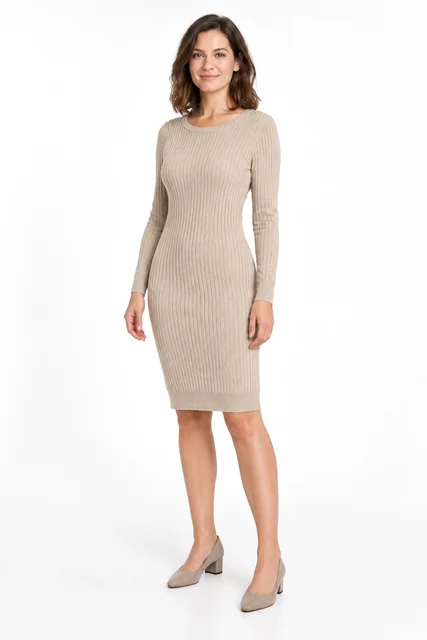
Knitted dress on a model
Try a beige knitted dress from a flat lay on an adult AI model. This task needs two images: the garment and the person. Compare ribbing, neckline, sleeves and facial appearance.
Explore this case →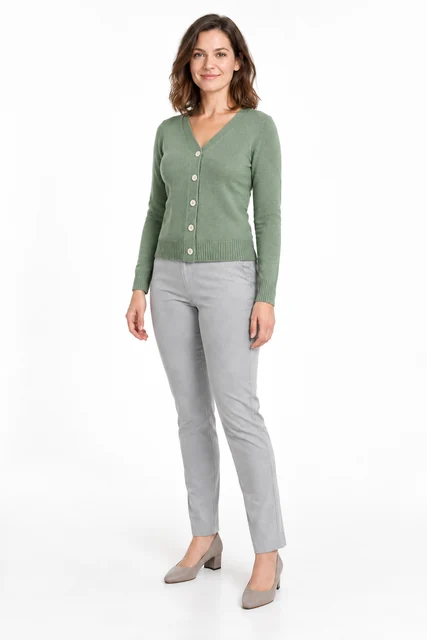
Change a person into a cardigan
Change a grey top to a sage cardigan using a separate garment image. This accepted example uses garment try-on with a cardigan, a model and instructions for the outfit to retain.
Explore this case →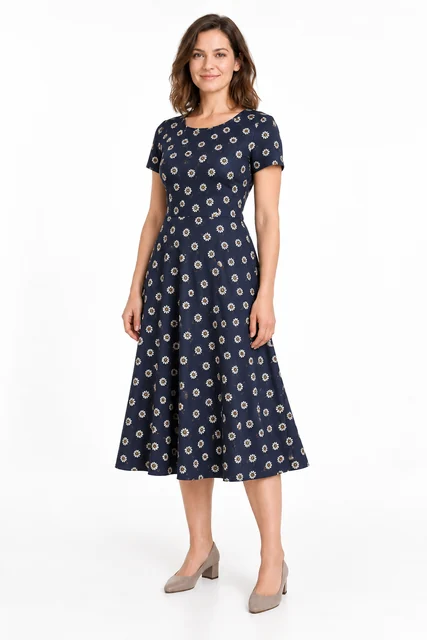
Try on a patterned dress
Try a navy daisy-print dress on an adult AI model. Check print scale, short sleeves, the waist seam and flared skirt.
Explore this case →