
Photojam · Cases
Masked photo edits: remove, add or change details
Local AI edits for adding and removing props or changing wall and garment colour. Explore source images, results and practical selection instructions.
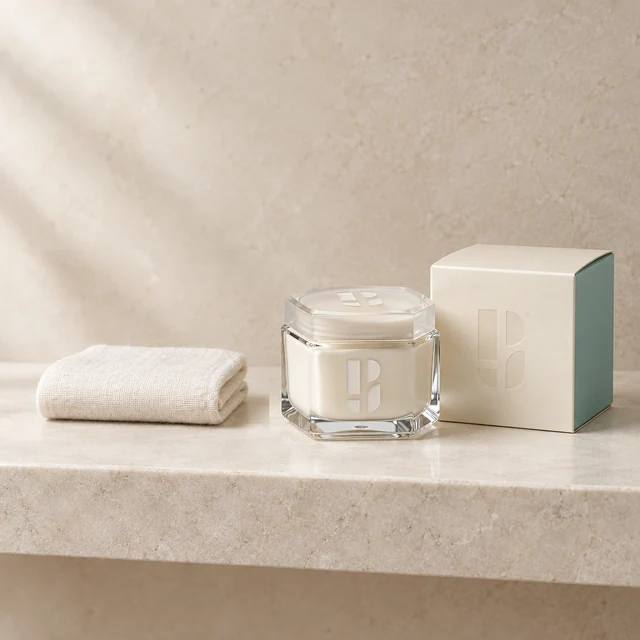
Add a towel beside skincare
Add a small ivory towel to empty shelf space beside the cosmetics. Select the empty area and keep the jar, carton and brand symbols outside the edit.
Explore this case →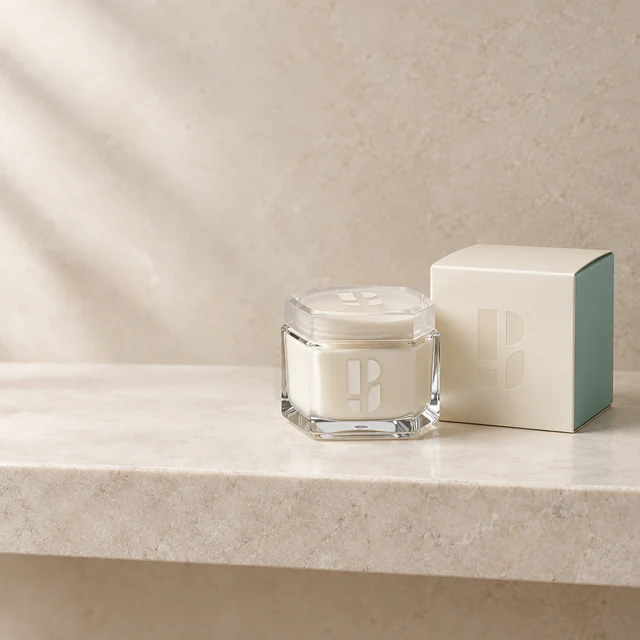
Remove a towel from a product photo
Remove a towel and its shadow beside cosmetics. Restore an empty stone shelf while keeping the jar and carton outside the selection.
Explore this case →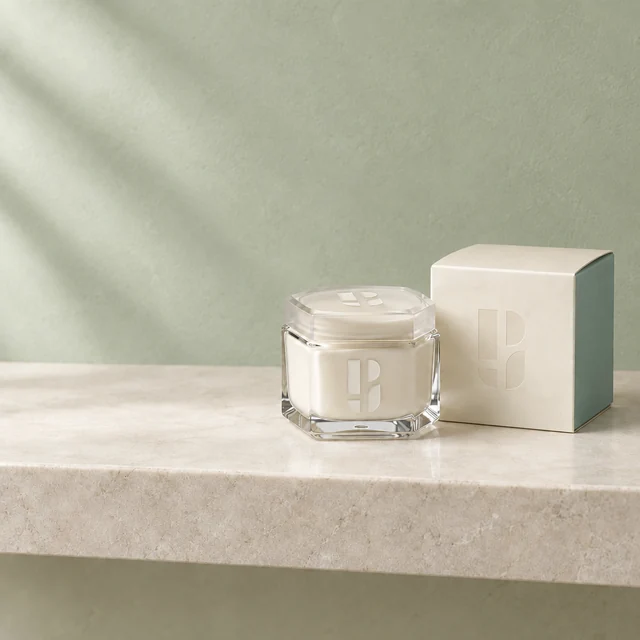
Change wall colour in a product photo
Change a beige wall to muted green. This example selects the whole frame, retaining packaging, shelf and composition through instructions and review.
Explore this case →The selection defines the edit boundary
Select the area to change and describe the action. When removing an object, include its cast shadow. For garment recolouring, select the neckline, cuffs and inner sleeve edges: unselected fabric stays in its original colour.
Include enough surrounding space for texture and lighting to continue naturally. Keep faces, logos, packaging and other critical details outside the selection when possible. If a detail falls inside, explicitly ask to retain it and inspect the result.
Why comparison matters
Adding a towel and removing it are different tasks: one needs a plausible prop, the other needs an empty surface without the old shadow. Changing a wall requires checking the shelf boundary and packaging edges.
Open images at full size. Look for rectangular edit boundaries, strips of the old colour and unintended changes. Choose a product scene when you need a completely new setting rather than a small local edit.